Select a PDF file to split. Everything runs locally.
Split PDF pages into multiple files locally
Pure client-side processing
No uploads, privacy-first
Drag a PDF here or click to select
PDF only (single file)
All splitting happens locally in your browser. Your PDFs are never uploaded.
Split by page ranges, every N pages, or odd/even pages in just a few clicks.
Download all split PDFs in a single ZIP archive.
Select a PDF file to split. Everything runs locally.
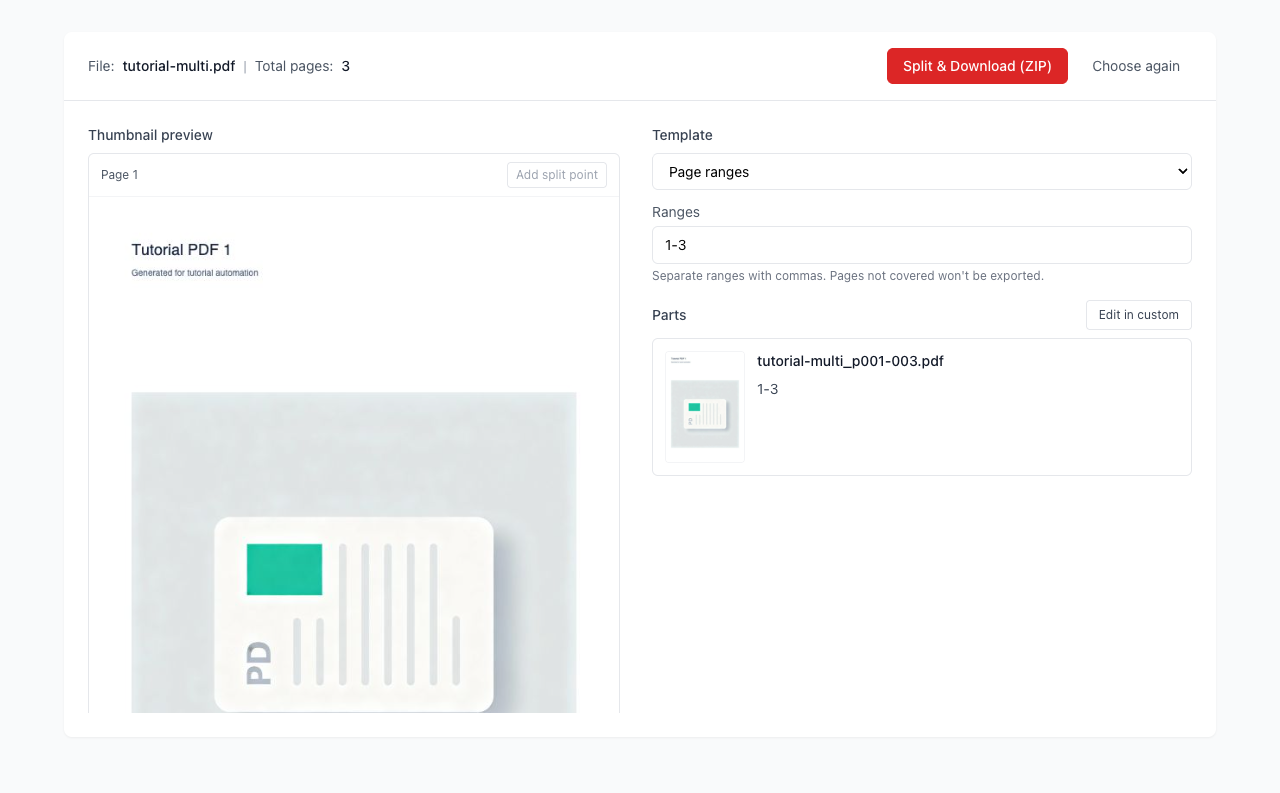
Pick a template and adjust settings to generate parts.
Click export to download a ZIP with all split PDFs.
Will my PDF be uploaded to a server?
Does it support encrypted PDFs?
Visual Tutorial
Follow the key states from import to export, then repeat the same flow on the page.
Every highlighted step stays in your browser. Files are processed locally and are not uploaded to a server.
Select a PDF file to split. Everything runs locally.
Pick a template and adjust settings to generate parts.
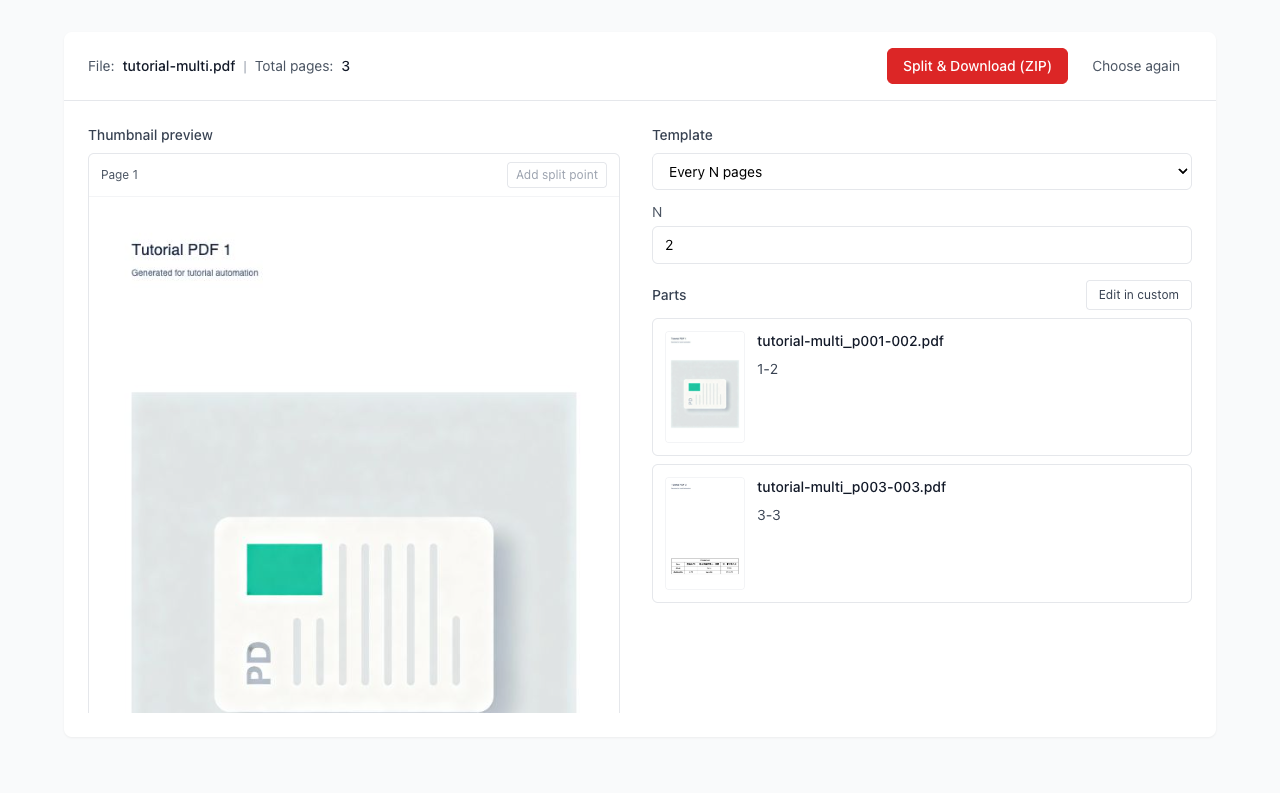
Run Split PDF locally in your browser. Files are not uploaded to any server during this step.
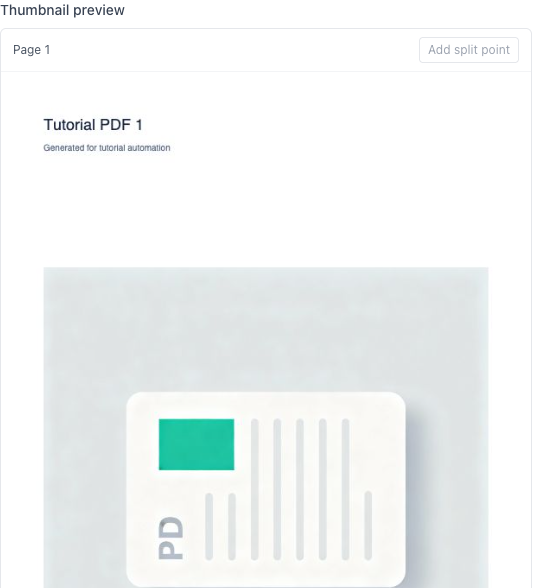
Click export to download a ZIP with all split PDFs.
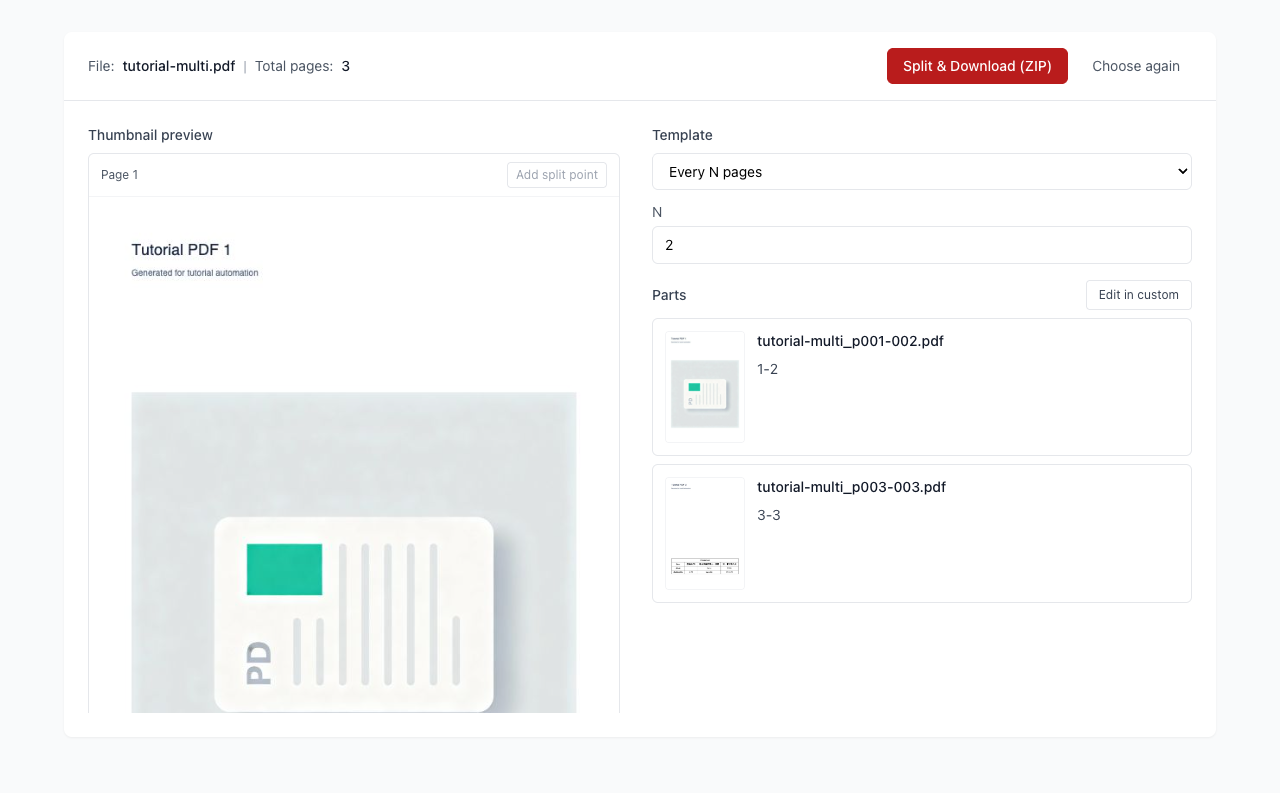
Another PDF workflow tool for continuous document processing.
Another PDF workflow tool for continuous document processing.
Another PDF workflow tool for continuous document processing.
Another PDF workflow tool for continuous document processing.