Drag and drop or select one PDF file to enter the workbench (currently single-file only).
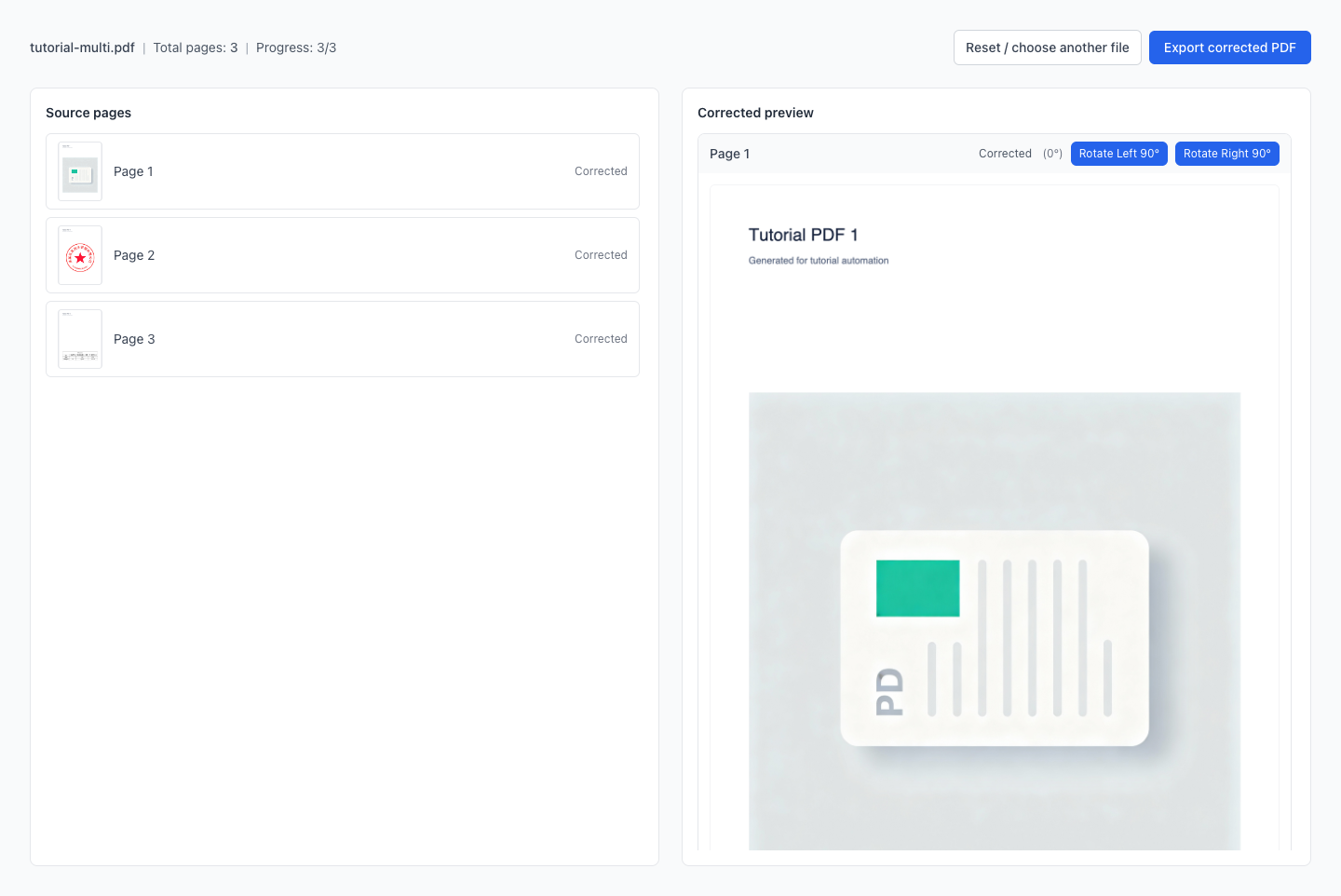
Automatically detects text orientation per page and corrects to a readable direction
Per-page detection fixes mixed orientations.
Local processing, no uploads. Live preview. Export when done.
Drag a PDF here or click to select
PDF only (single file)
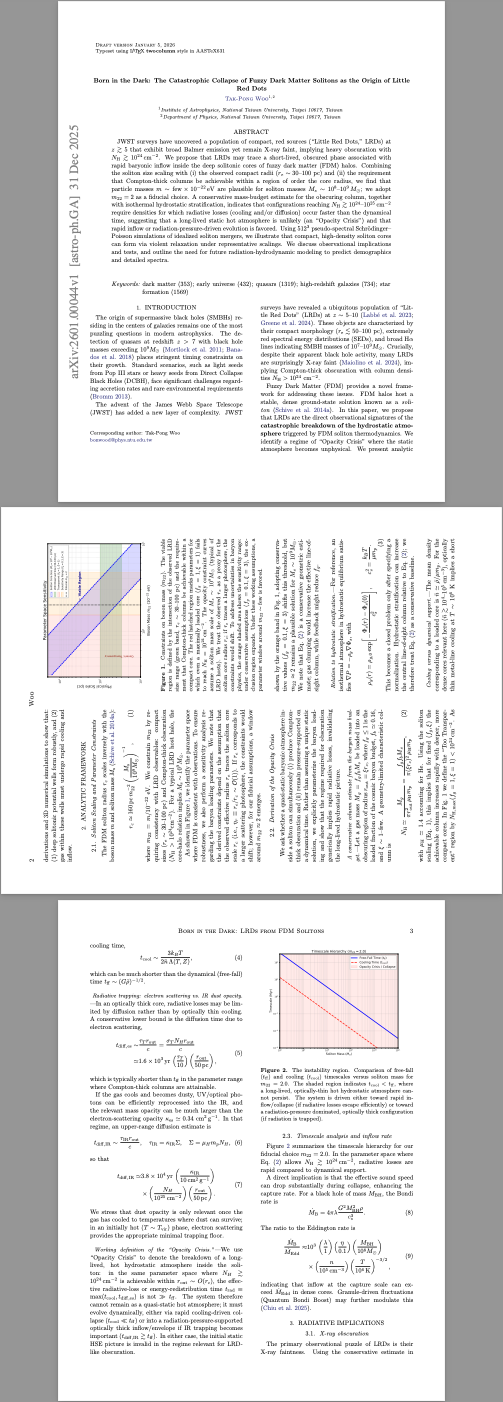
Needs fixing: sideways/upside-down pages
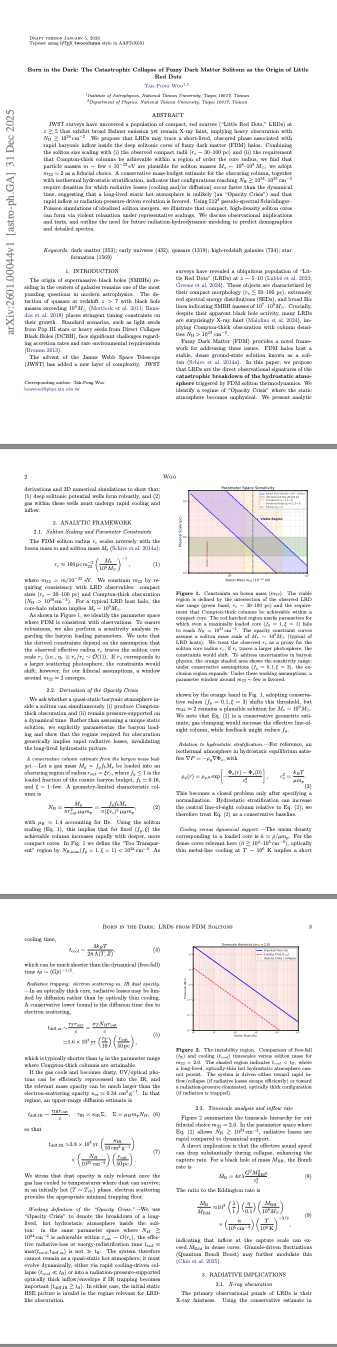
Fixed: consistent, readable orientation
After scanning, converting photos to PDF, or merging documents from different sources, page orientation often becomes inconsistent: hard to read, skewed prints, and rework before archiving. The system automatically detects orientation page by page: corrects when confident, keeps original and marks when uncertain, then exports in one click.
Within one PDF, some pages are upside down and others are sideways; rotating screens repeatedly is painful.
Discovering wrong orientation right before submission means tedious page-by-page fixes and easy-to-miss pages.
A single global rotation doesn't help; per-page detection works better for mixed-orientation scans.
Contracts, invoices, and IDs require privacy: everything runs locally in the browser with no server uploads.
Tip: Supports per-page correction for 0/90/180/270. Uncertain pages are marked as "Skipped"; fine-tune with Rotate Left/Right 90° before exporting.
Automatically detects and corrects each PDF page; ideal when only some pages are rotated.
If a page can't be determined or confidence is low, keep its original orientation and mark it as "Skipped" to avoid wrong corrections.
All processing happens locally in your browser — better for sensitive documents like contracts and invoices.
Source pages on the left, corrected results on the right; progress is clear at a glance.
Rotate a single page left/right by 90° when manual confirmation is needed, then export together.
Export writes rotation into each page so the corrected orientation stays in any PDF viewer — not just in preview.
Drag and drop or select one PDF file to enter the workbench (currently single-file only).
The system detects text orientation per page and generates previews in real time; uncertain pages keep their original orientation and are marked as "Skipped".
Check the previews. Rotate a specific page left/right by 90° if manual adjustment is needed.
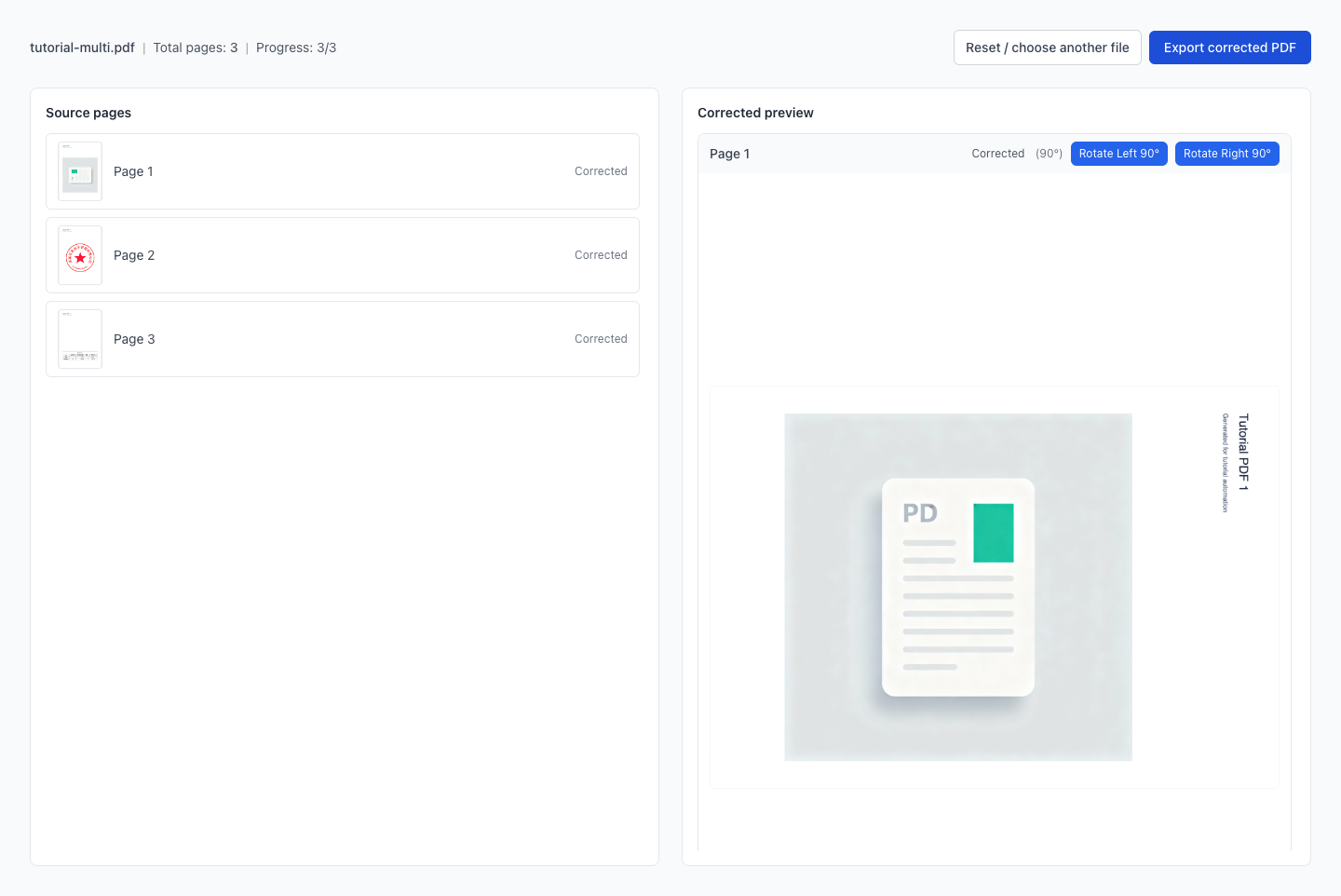
After all pages are processed, click Export to download the corrected PDF.
Are my files uploaded to a server?
Why are some pages marked as "Skipped"?
What rotation angles are supported?
Can I upload multiple PDFs at once?
Will the corrected orientation stay after exporting?
How do I fix only certain pages?
Do you support encrypted PDFs?
Can it work offline?
Visual Tutorial
Follow the key states from import to export, then repeat the same flow on the page.
Every highlighted step stays in your browser. Files are processed locally and are not uploaded to a server.
Drag and drop or select one PDF file to enter the workbench (currently single-file only).
The system detects text orientation per page and generates previews in real time; uncertain pages keep their original orientation and are marked as "Skipped".
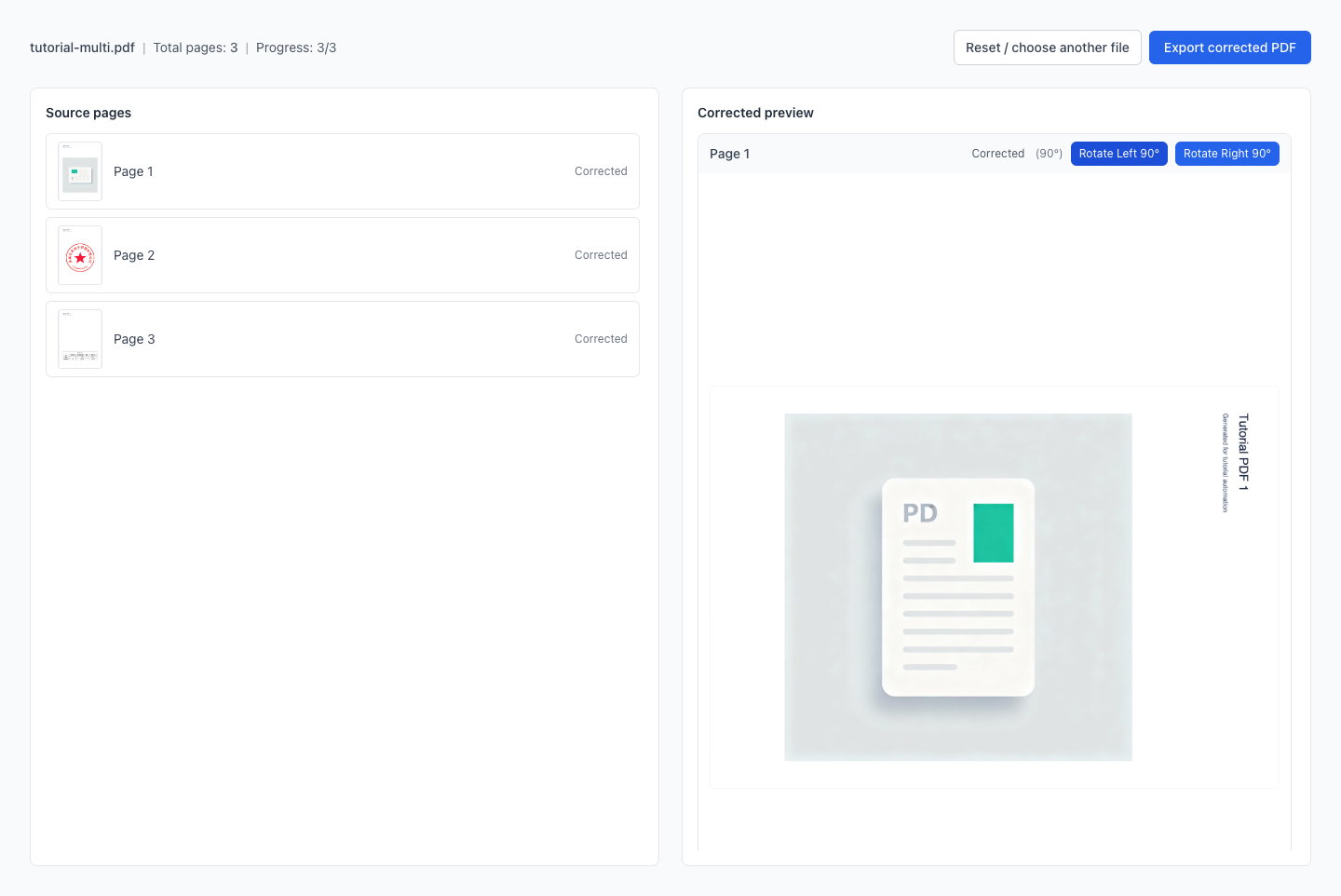
Run Auto Correct PDF Orientation (AI) locally in your browser. Files are not uploaded to any server during this step.
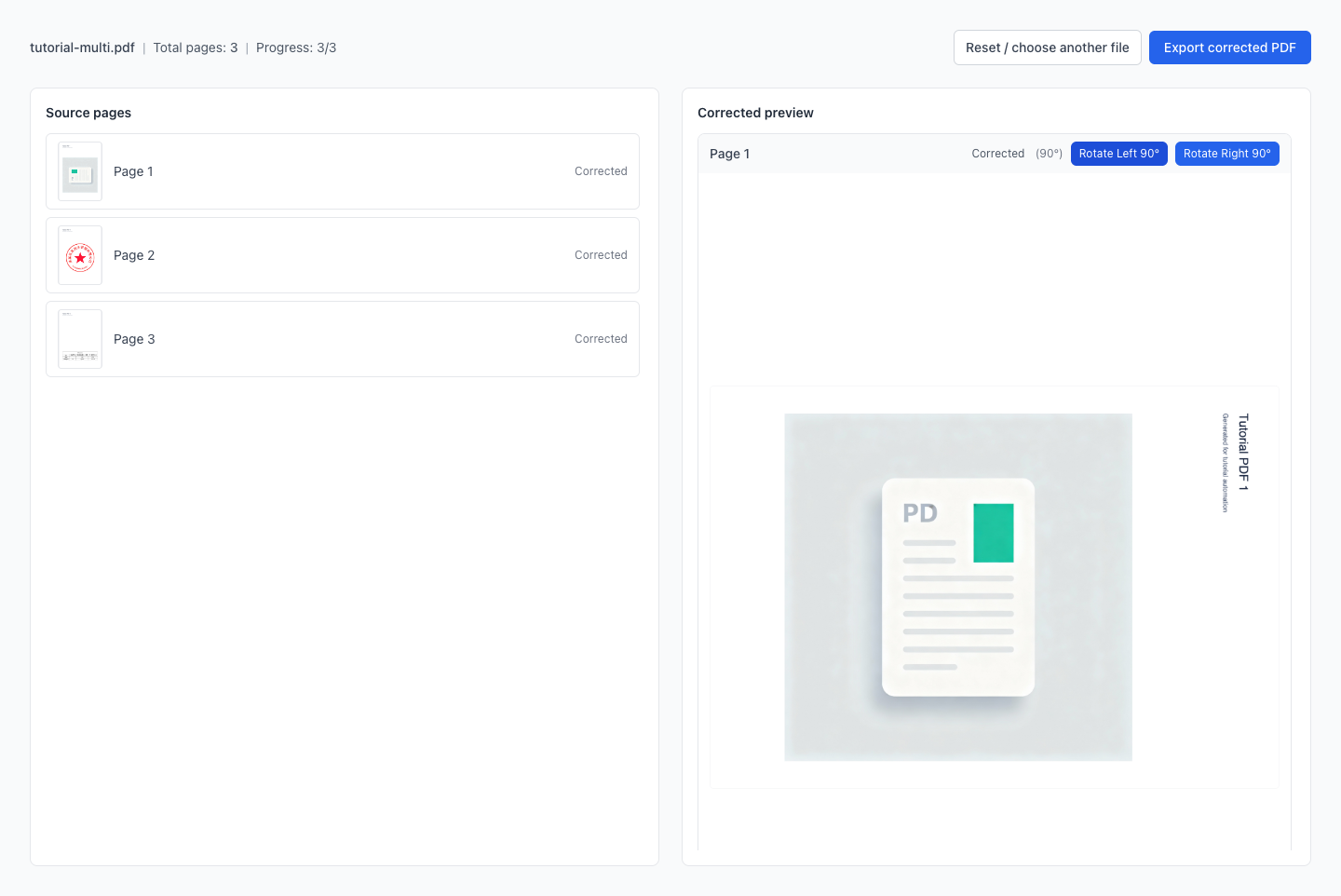
After all pages are processed, click Export to download the corrected PDF.
Another PDF workflow tool for continuous document processing.
Another PDF workflow tool for continuous document processing.
Another PDF workflow tool for continuous document processing.
Another PDF workflow tool for continuous document processing.