Drag and drop or select one or more PDF files.
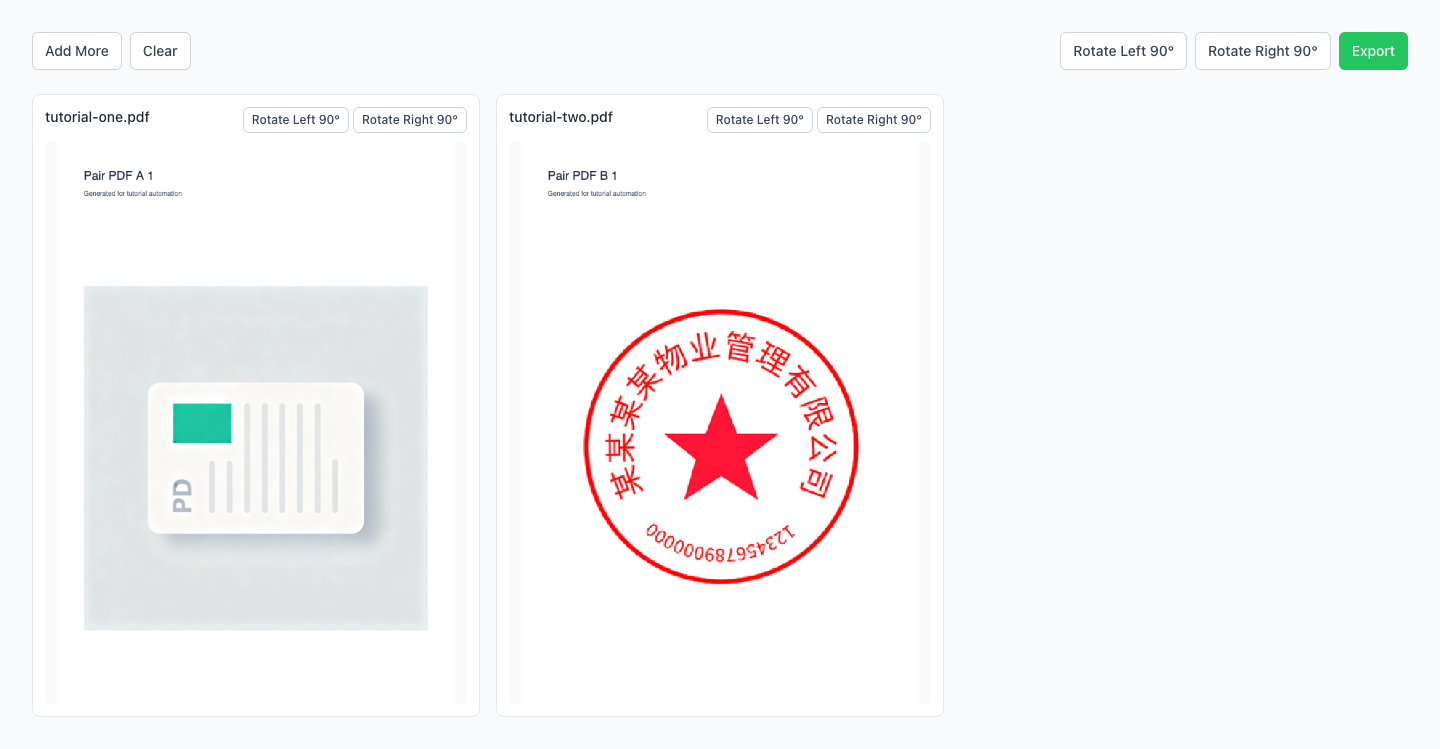
Rotate sideways or upside-down PDFs and export in batch
Fix messy scan orientations for easier reading
Preview and export, stays correctly oriented after saving
Drag multiple PDFs here or click to select
Merge multiple PDF files instantly
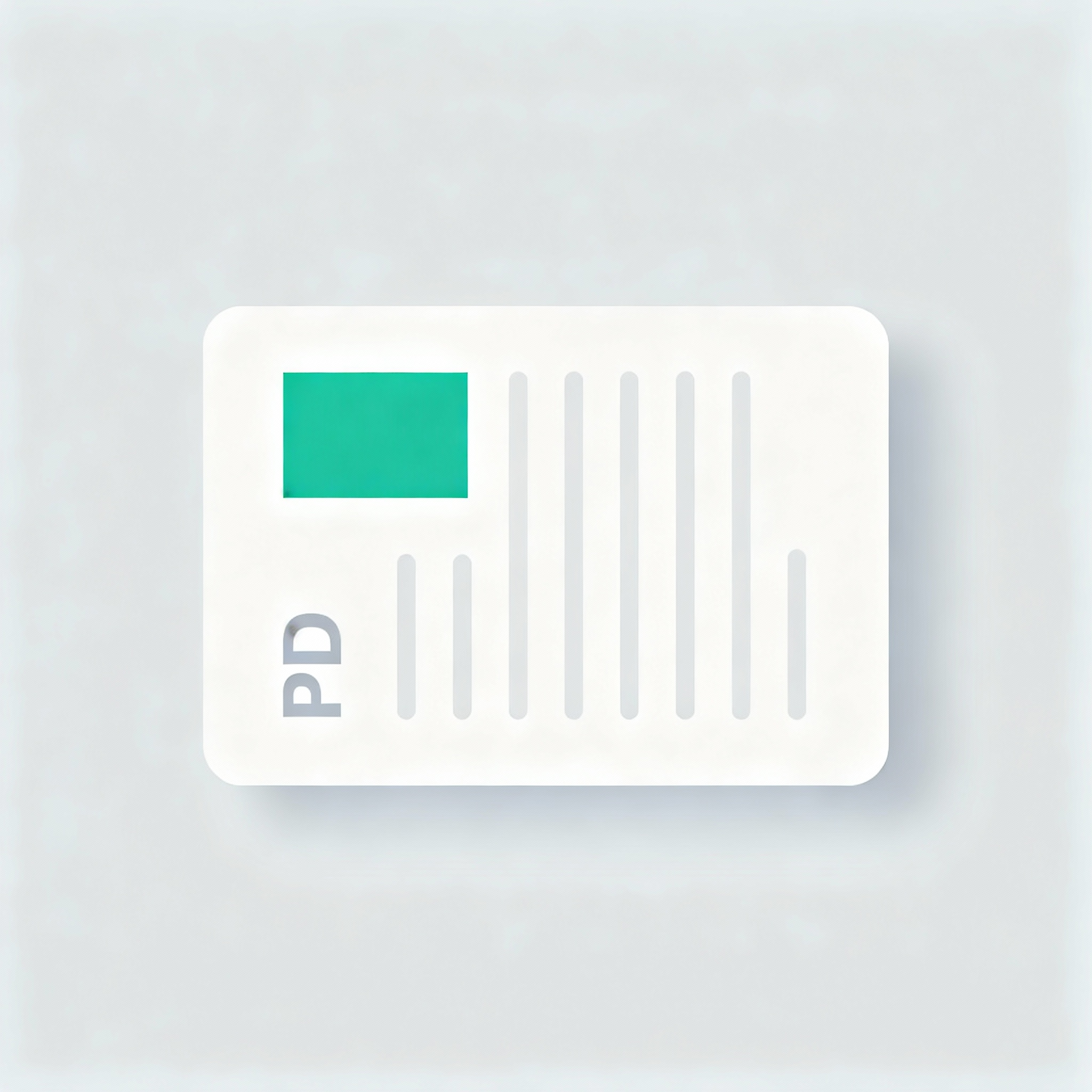
Before: Messy Orientation
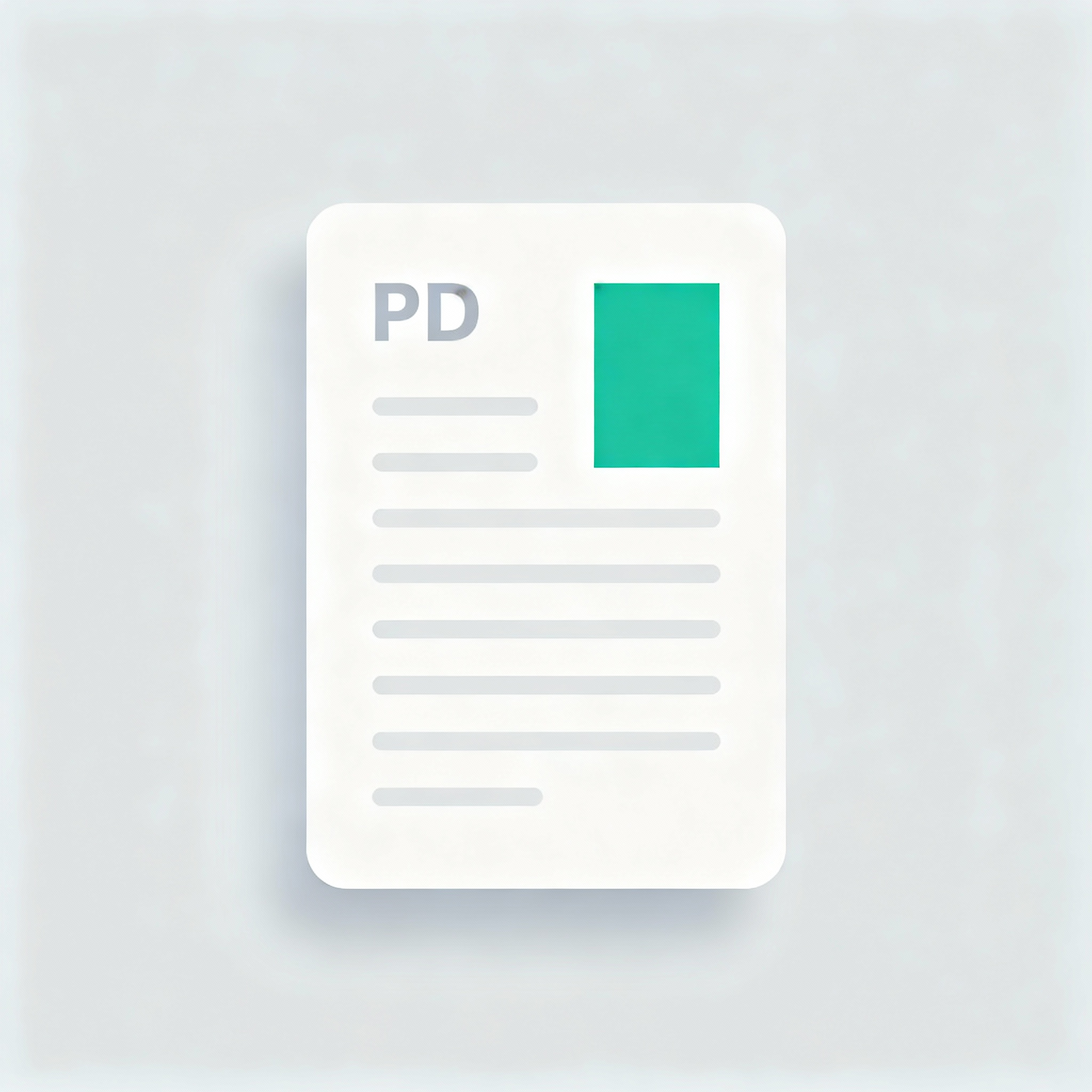
After: Perfect Fix
Import multiple PDFs and rotate them by 90° quickly; individual adjustments supported.
Rotation is written to every page; stays correct when sending, printing, or archiving.
Process files locally in your browser — perfect for contracts and invoices.
Drag and drop or select one or more PDF files.
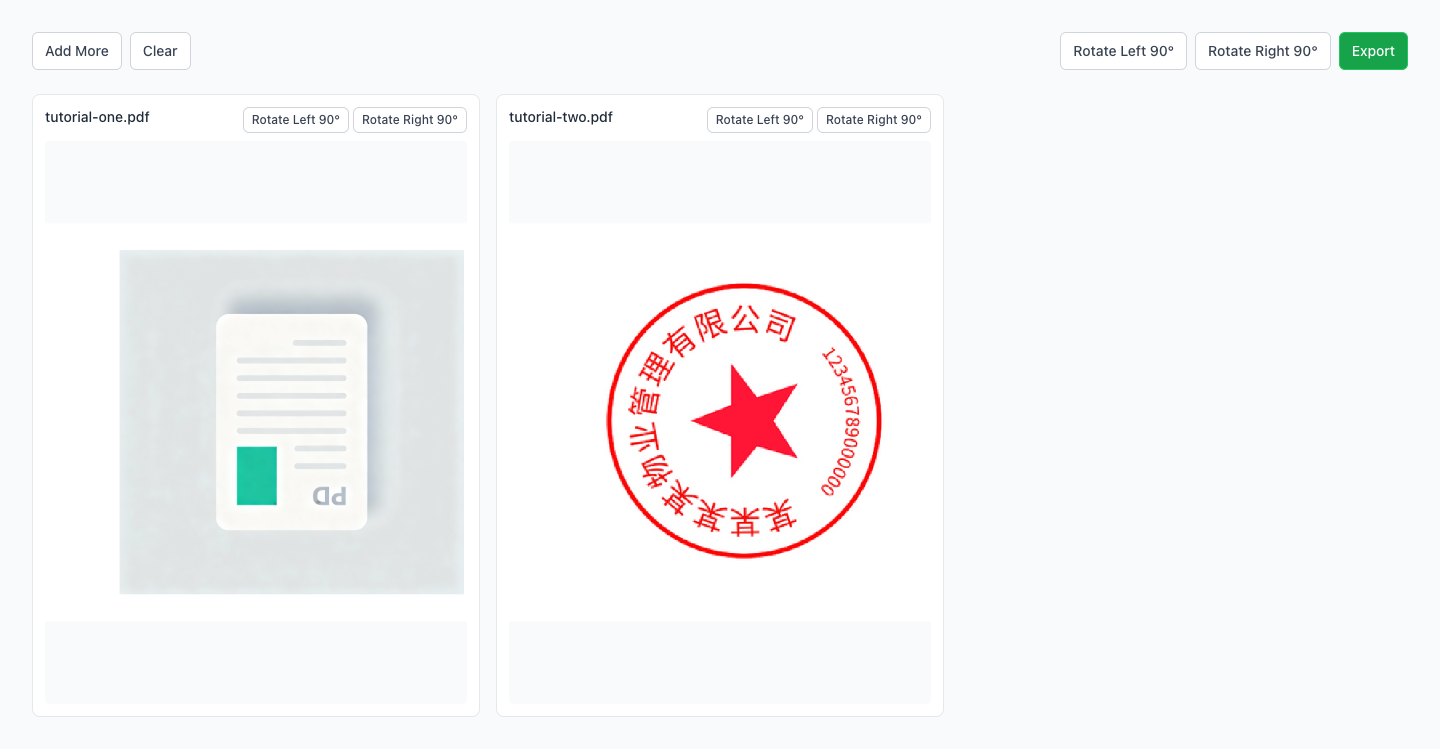
Use global rotation or adjust individual files; preview for accuracy.
Download single PDFs or ZIP for multiple files; orientation is preserved.
Are my files uploaded to a server?
Will the rotation stay after exporting?
What rotation angles are supported?
Can I rotate only specific pages?
Support encrypted PDFs?
Visual Tutorial
Follow the key states from import to export, then repeat the same flow on the page.
Every highlighted step stays in your browser. Files are processed locally and are not uploaded to a server.
Drag and drop or select one or more PDF files.
Use global rotation or adjust individual files; preview for accuracy.
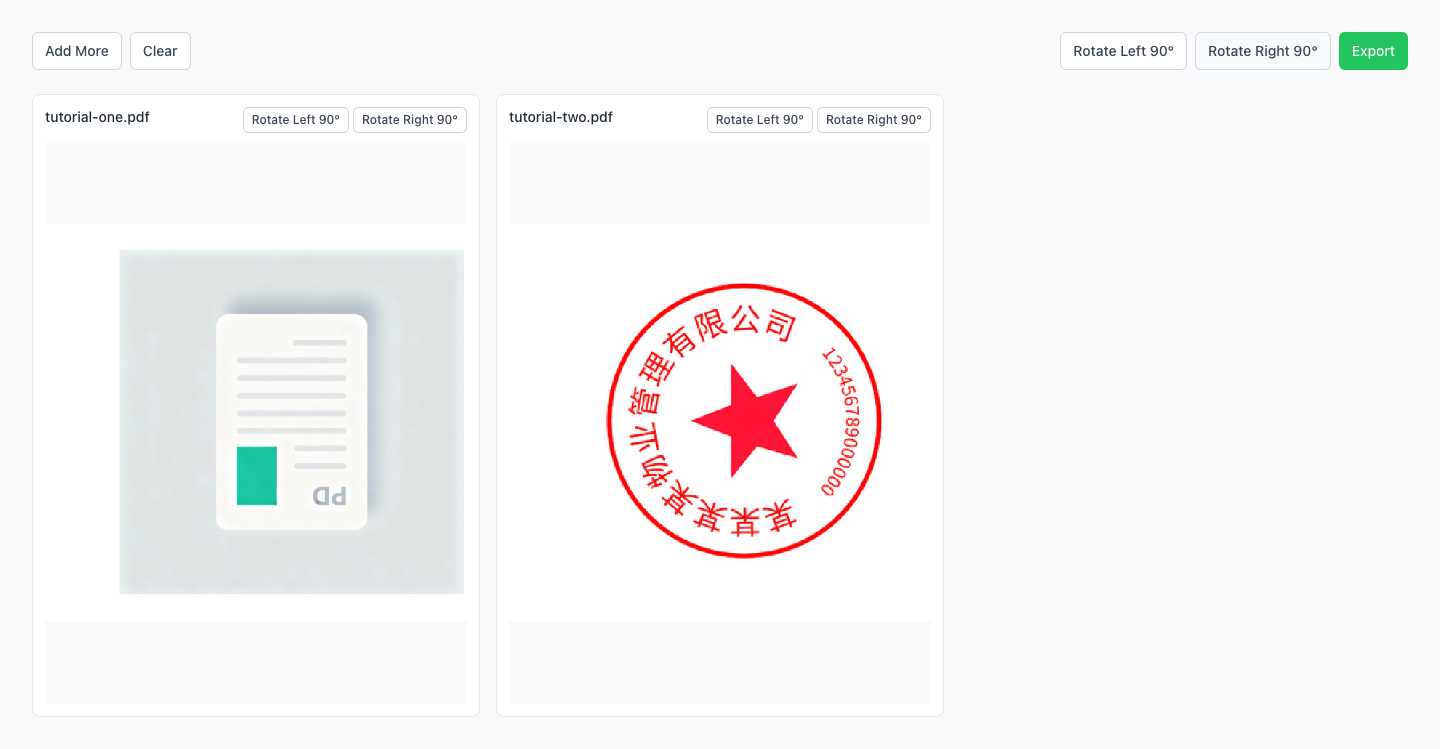
Run Rotate PDF locally in your browser. Files are not uploaded to any server during this step.
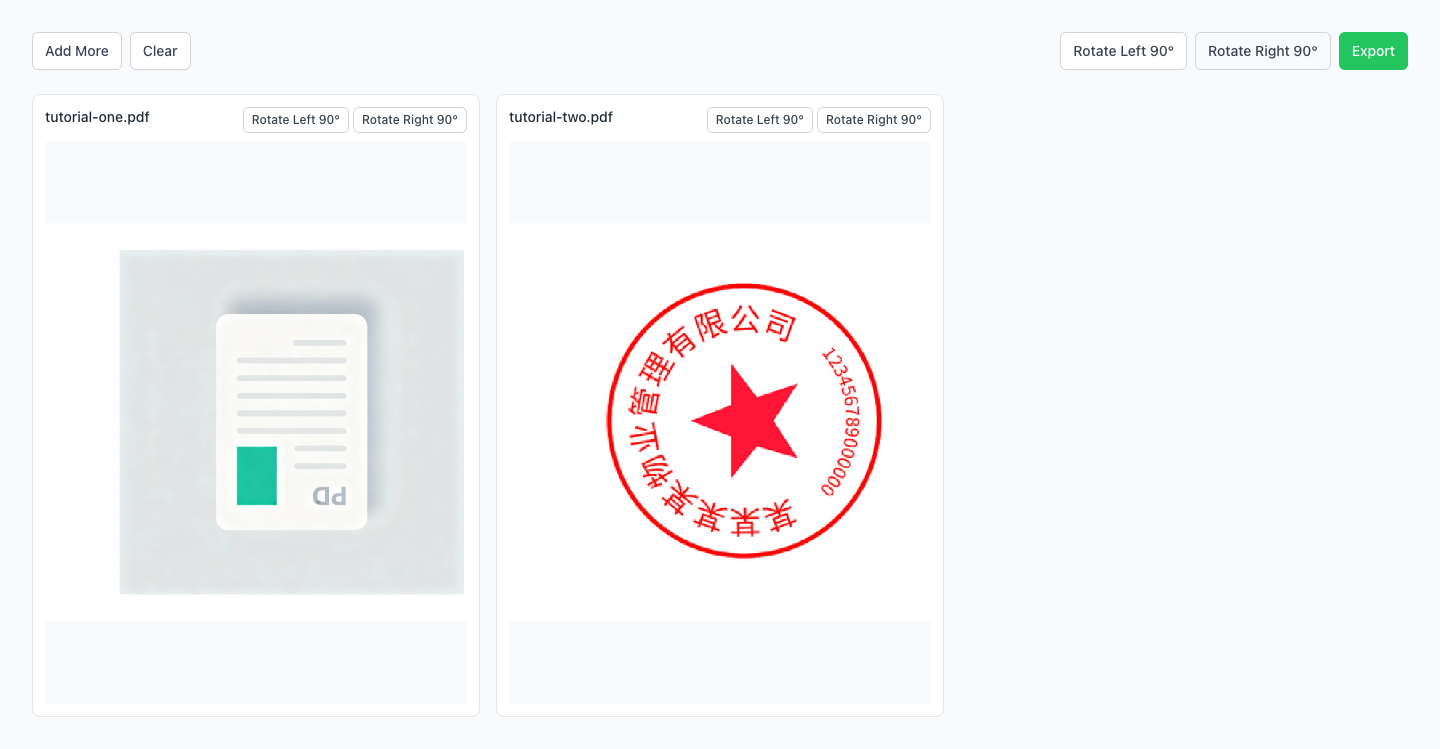
Download single PDFs or ZIP for multiple files; orientation is preserved.
Another PDF workflow tool for continuous document processing.
Another PDF workflow tool for continuous document processing.
Another PDF workflow tool for continuous document processing.
Another PDF workflow tool for continuous document processing.