Upload one or multiple PDF files
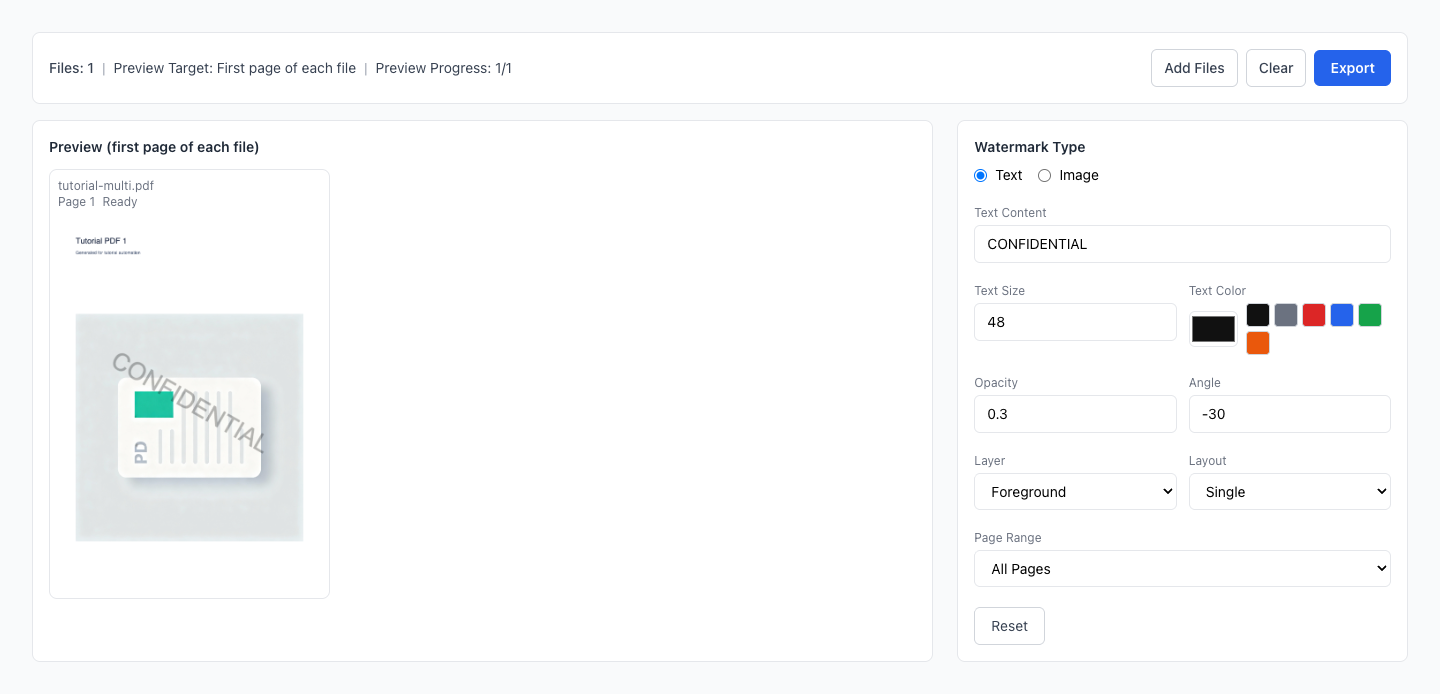
Add text or image watermark with local processing
Foreground/background, angle, opacity, tiled repeat
Batch files with one shared configuration
Drag multiple PDFs here or click to select
Merge multiple PDF files instantly
Configure once and apply the same watermark rules to all files
Choose text watermark or image watermark for each export run
Apply watermark by all/odd/even/interval/custom page expression
Switch foreground/background and single/tiled placement
Live preview helps confirm the result before final export
Everything runs locally in your browser with no upload
Upload one or multiple PDF files
Set type, opacity, angle and page range
Export single PDF or ZIP package
Is processing done locally?
Can I process files in batch?
Can I apply watermark to only part of pages?
What about encrypted or corrupted PDFs?
Will preview match export output?
Why can export be slow on large files?
Can I use it offline?
Can text and image watermark be used together?
Visual Tutorial
Follow the key states from import to export, then repeat the same flow on the page.
Every highlighted step stays in your browser. Files are processed locally and are not uploaded to a server.
Upload one or multiple PDF files
Set type, opacity, angle and page range
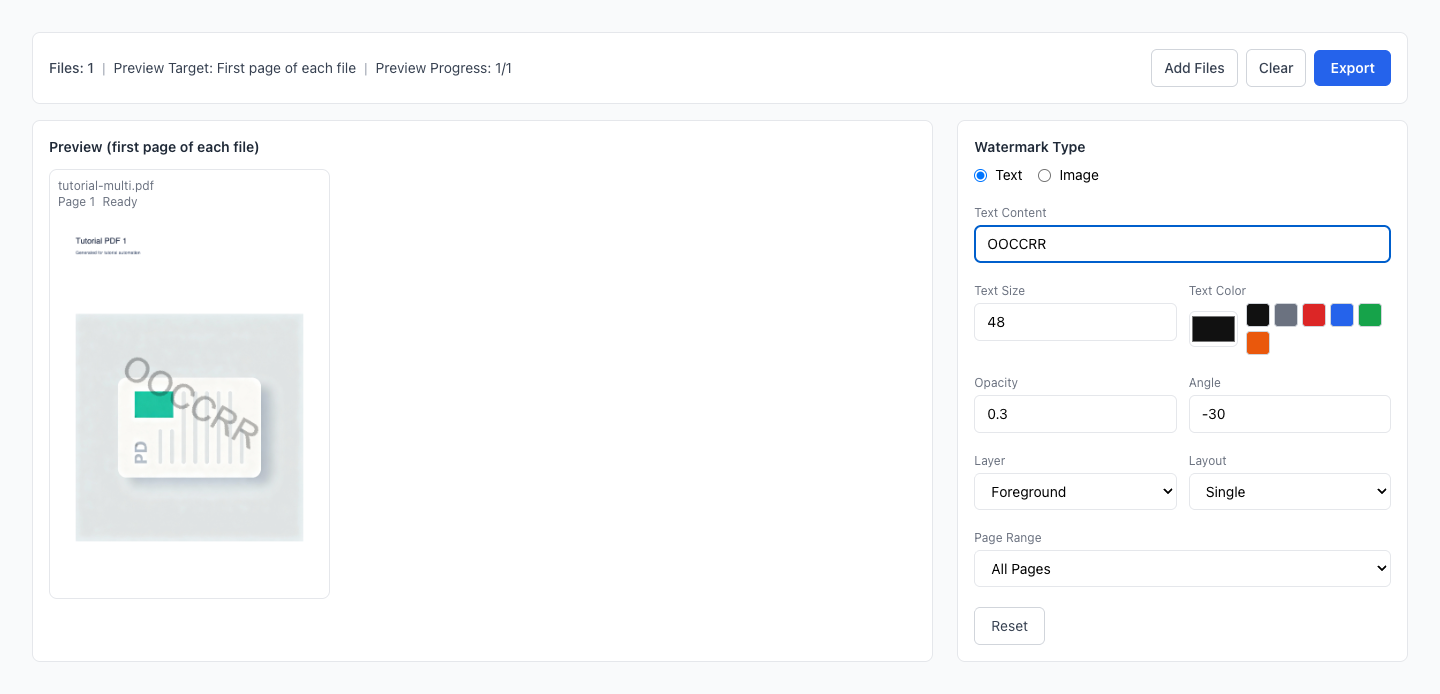
Run PDF Watermark locally in your browser. Files are not uploaded to any server during this step.
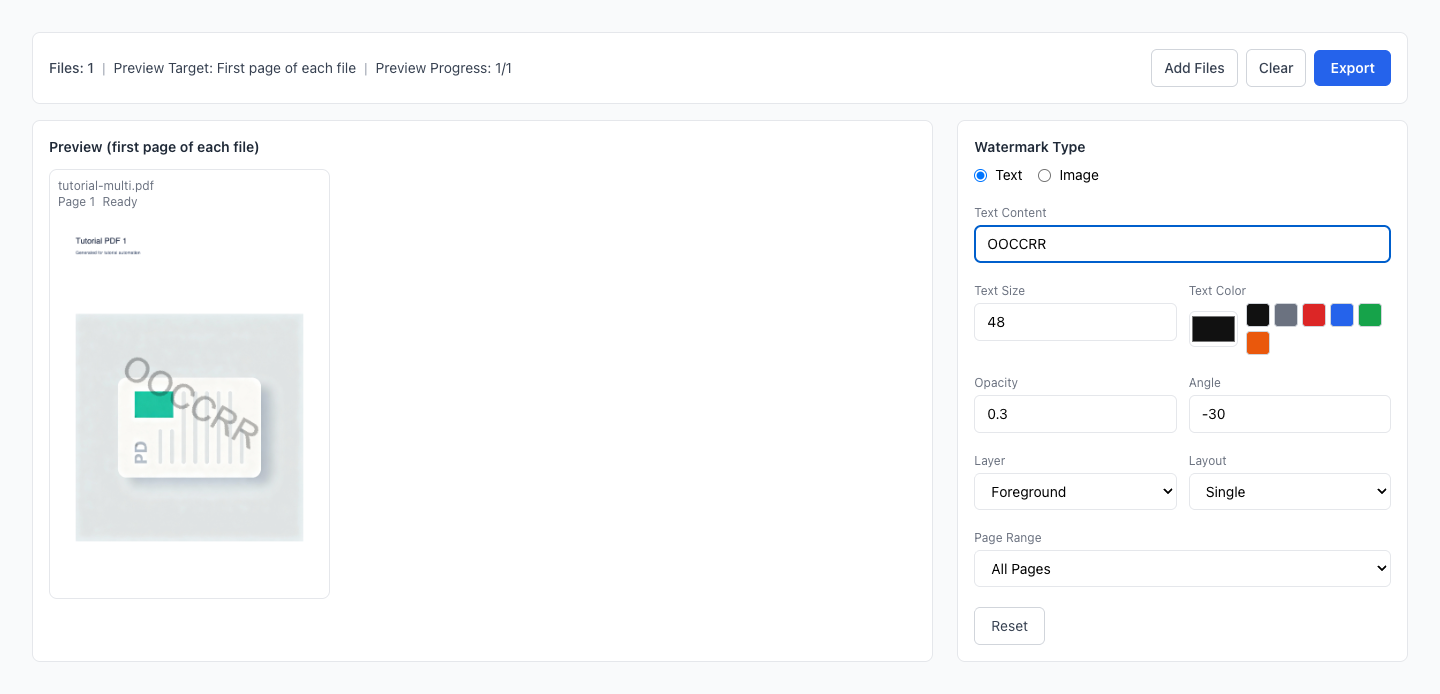
Export single PDF or ZIP package
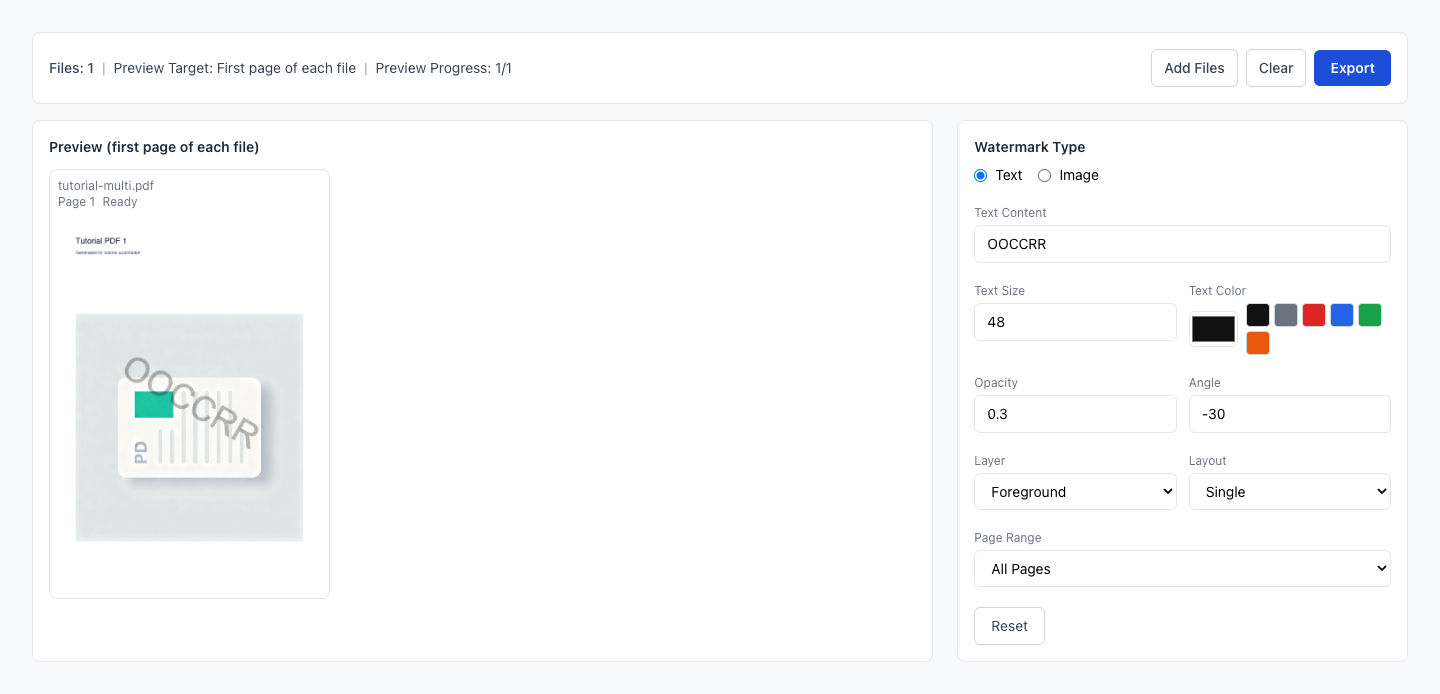
Another PDF workflow tool for continuous document processing.
Another PDF workflow tool for continuous document processing.
Another PDF workflow tool for continuous document processing.
Another PDF workflow tool for continuous document processing.