Drag and drop or click to select one PDF file.
100% local processing, no uploads
Export pages as images or merge into a long image
Custom DPI and page range, privacy-first
Drag a PDF here or click to select
PDF only (single file)
ZIP pages or long image at a glance
All processing happens in your browser. PDFs are not uploaded.
Export pages as ZIP or merge selected pages into one long image.
Choose 72/150/300 DPI to balance clarity and file size.
Supports expressions like 1-3,5,8-10 to export only what you need.
Export as JPG or PNG for different scenarios.
Works offline after the first load (depends on browser cache).
Drag and drop or click to select one PDF file.
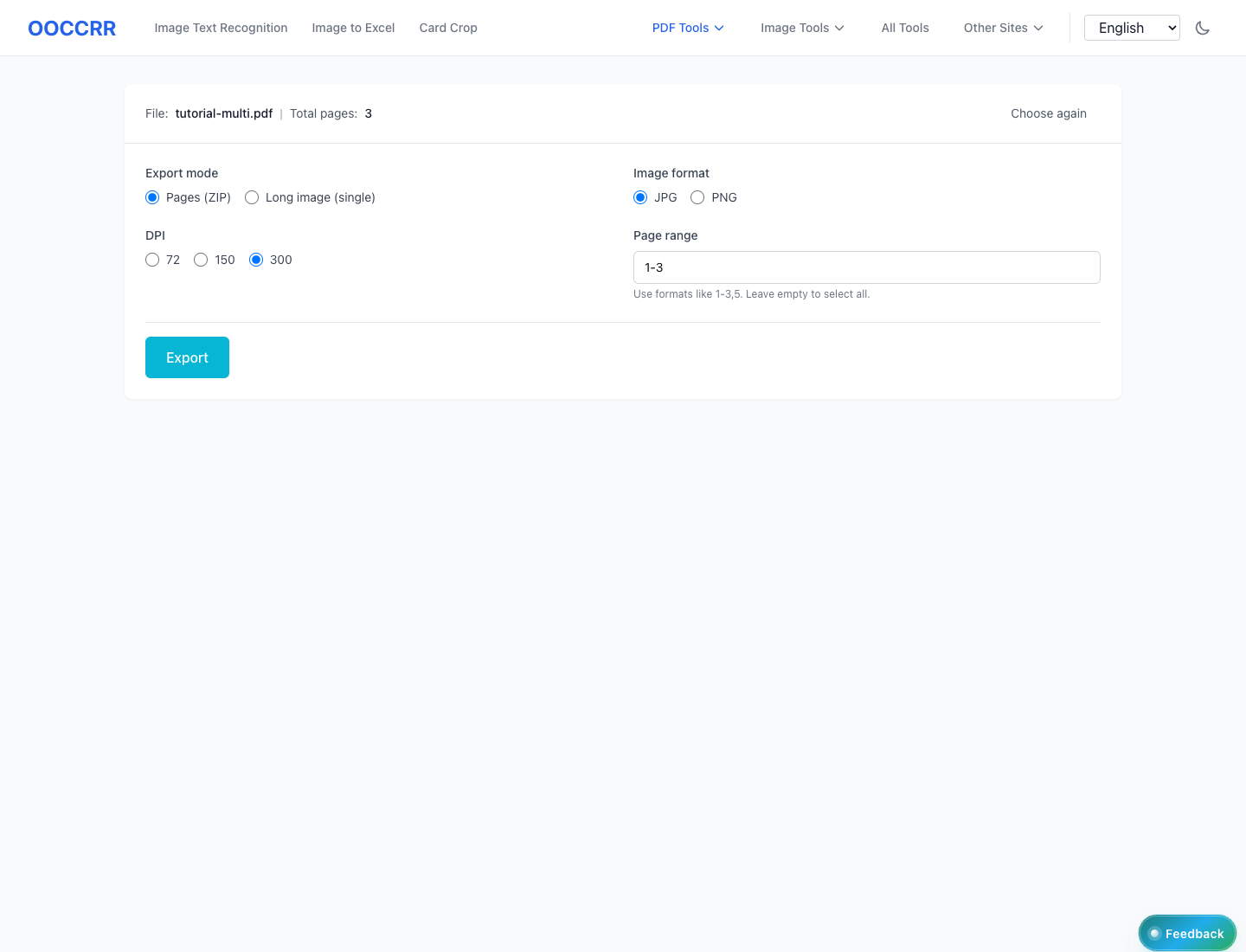
Pick export mode, format, DPI, and page range.
Your browser will download a ZIP or a long image file.
Will my PDF be uploaded to a server?
Does it support encrypted PDFs?
What does DPI affect?
Why do some PDFs render with broken fonts?
Visual Tutorial
Follow the key states from import to export, then repeat the same flow on the page.
Every highlighted step stays in your browser. Files are processed locally and are not uploaded to a server.
Drag and drop or click to select one PDF file.
Pick export mode, format, DPI, and page range.
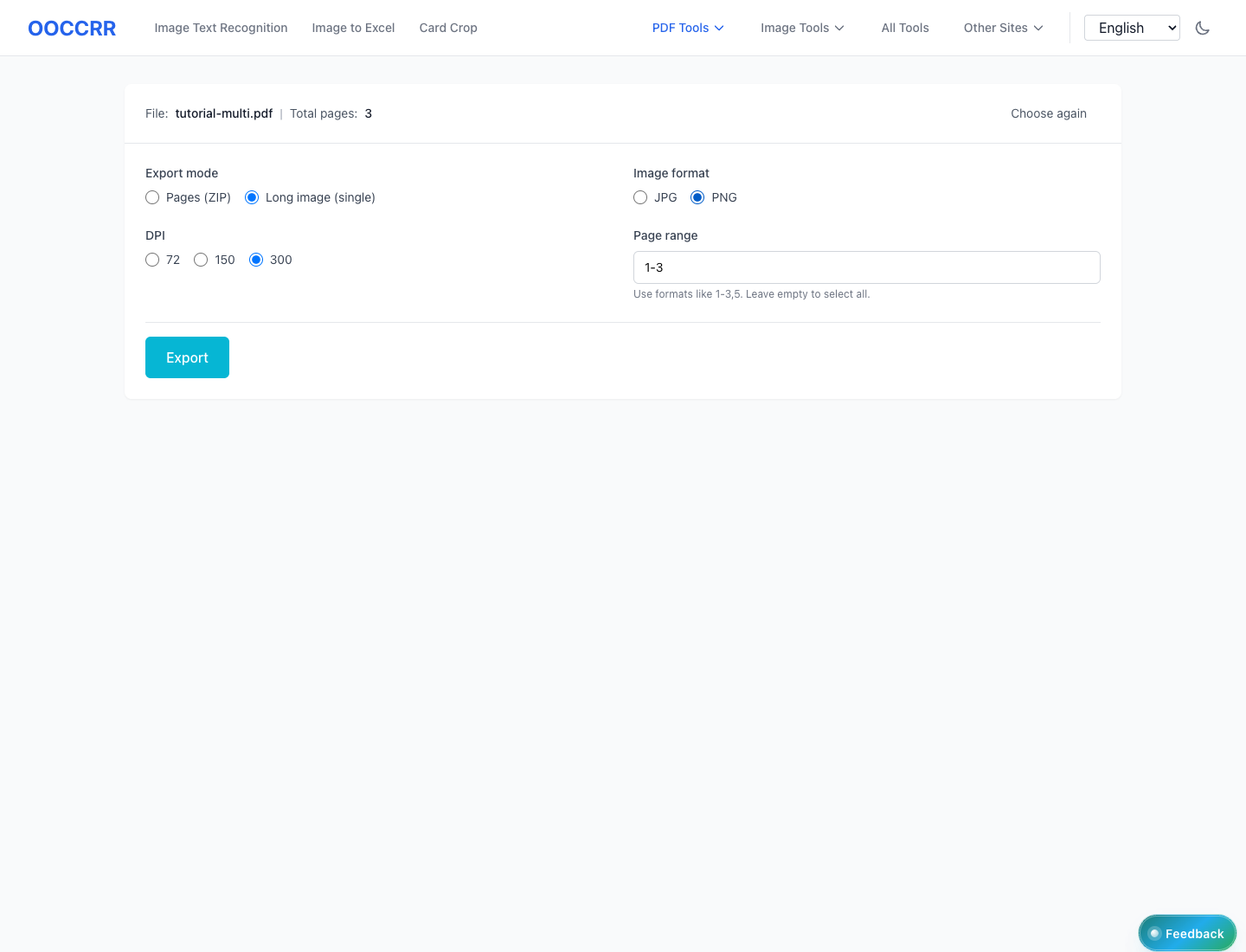
Run PDF to Images locally in your browser. Files are not uploaded to any server during this step.
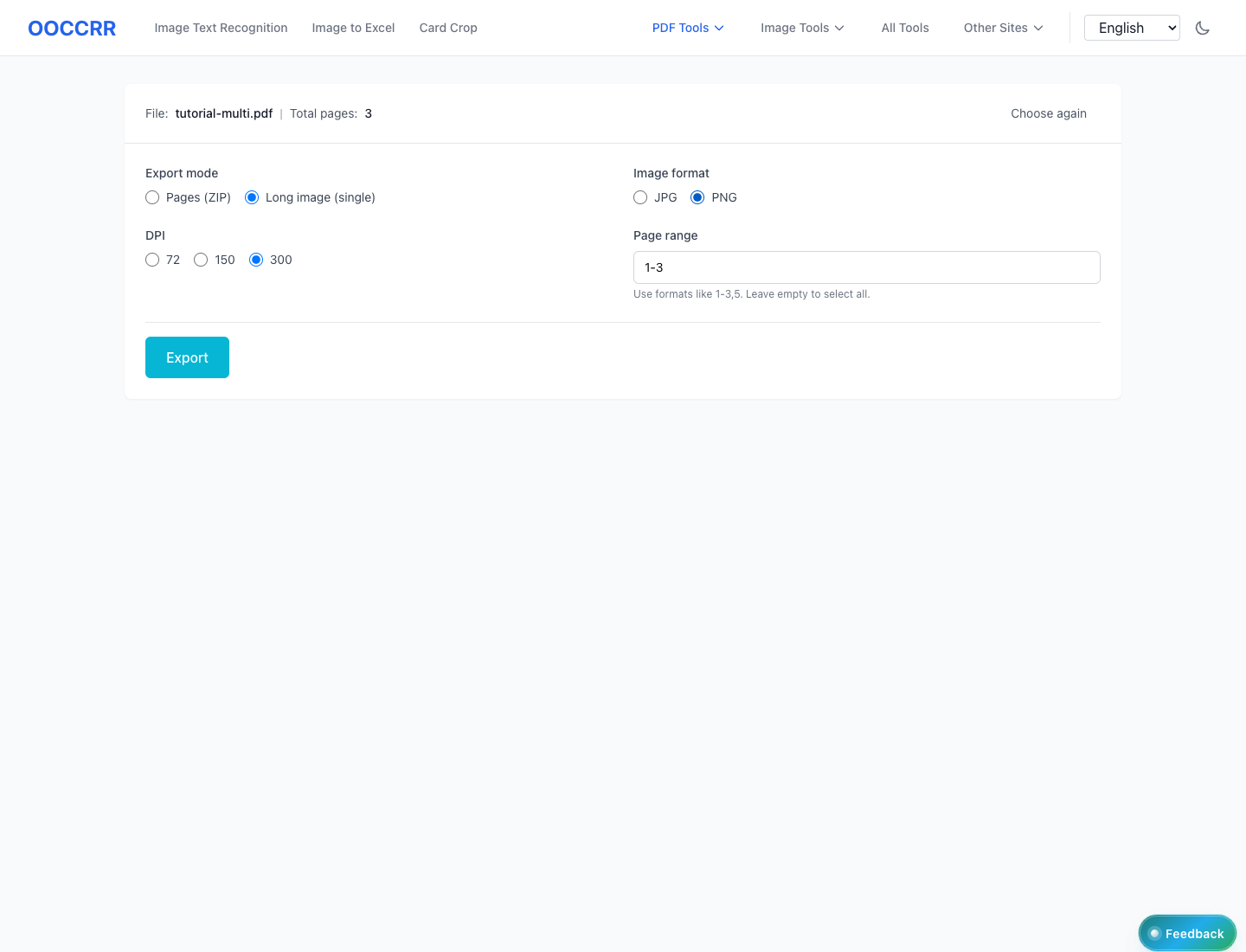
Your browser will download a ZIP or a long image file.
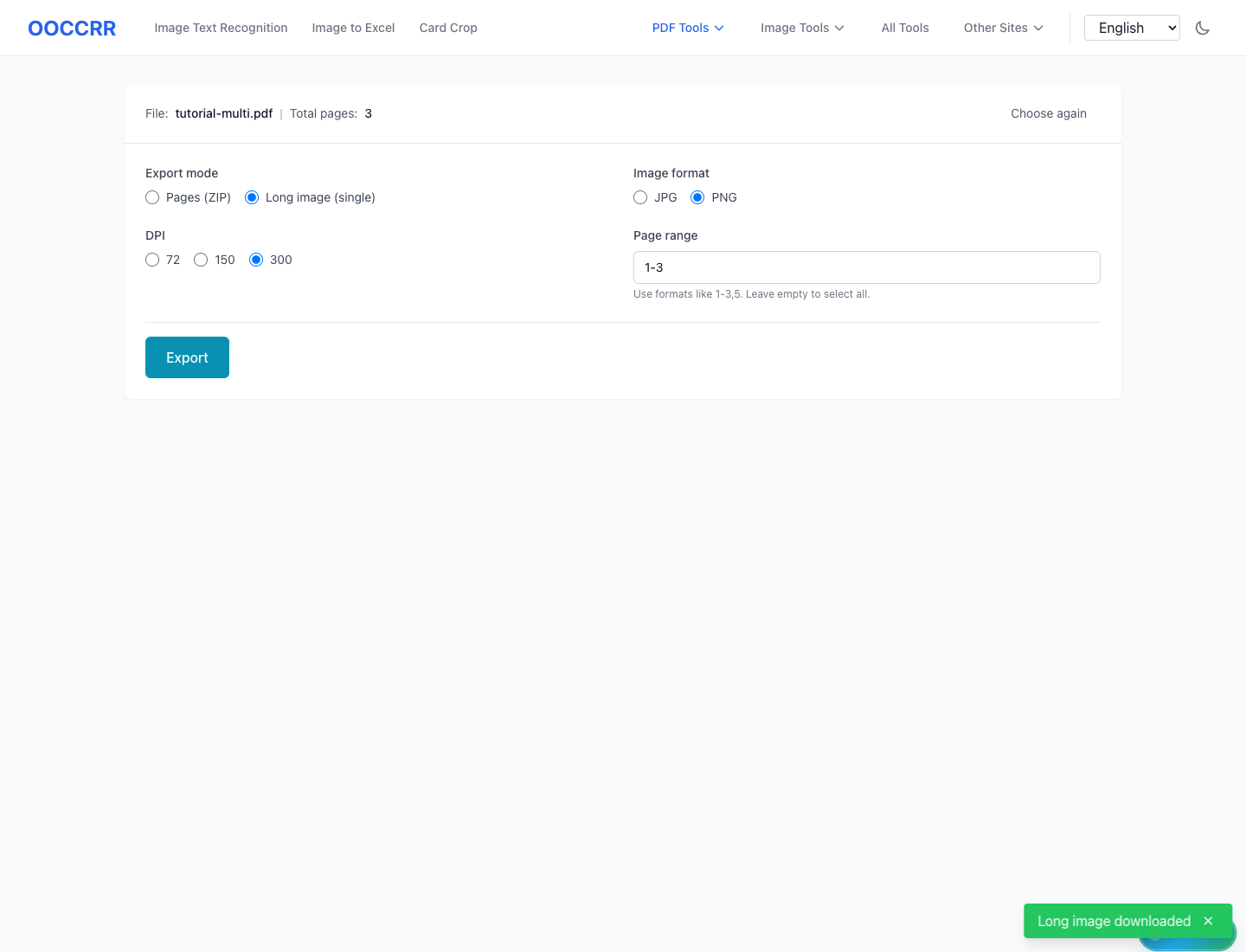
Another PDF workflow tool for continuous document processing.
Another PDF workflow tool for continuous document processing.
Another PDF workflow tool for continuous document processing.
Another PDF workflow tool for continuous document processing.