Add one or multiple PDF files to enter the workbench.
Make mixed-size pages print consistently with local processing
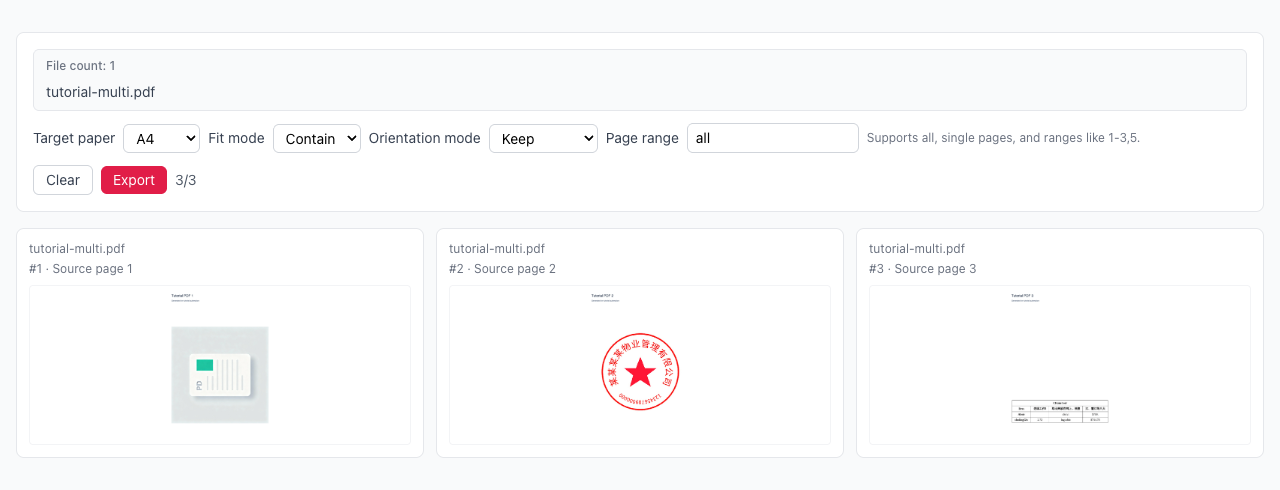
A4/Letter, fit modes, orientation modes, and page range
Preview first, then export with consistent layout
Drag multiple PDFs here or click to select
Merge multiple PDF files instantly
Mixed page sizes -> unified target paper size
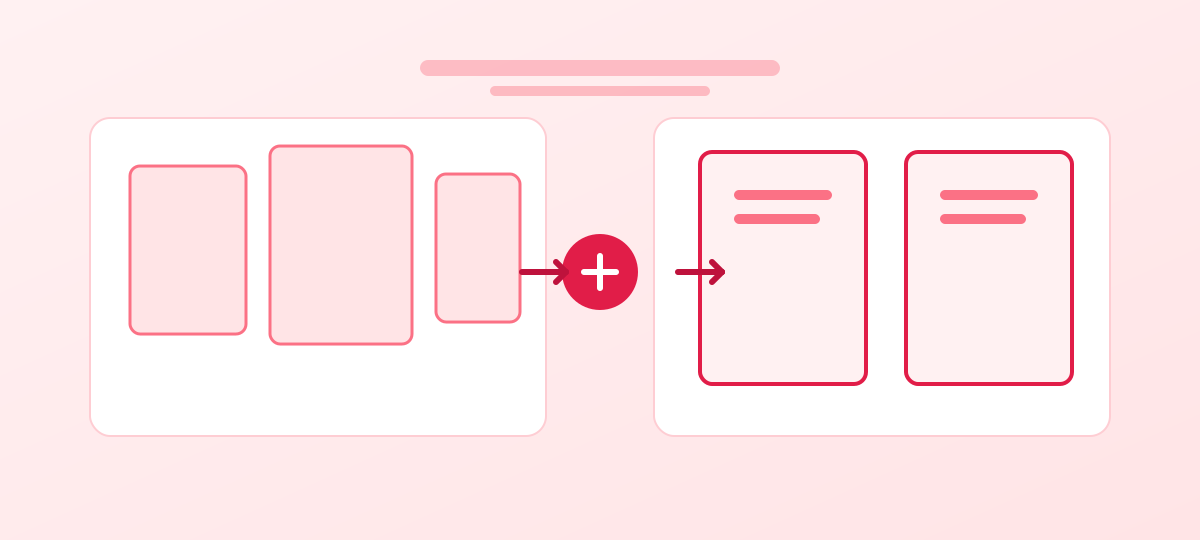
Page sizes are inconsistent in one file
All pages are unified to A4/Letter
Unify every page to A4 or Letter with stable output size.
Choose contain/cover/stretch and keep/portrait/landscape.
All processing runs in browser with no file upload.
Add one or multiple PDF files to enter the workbench.
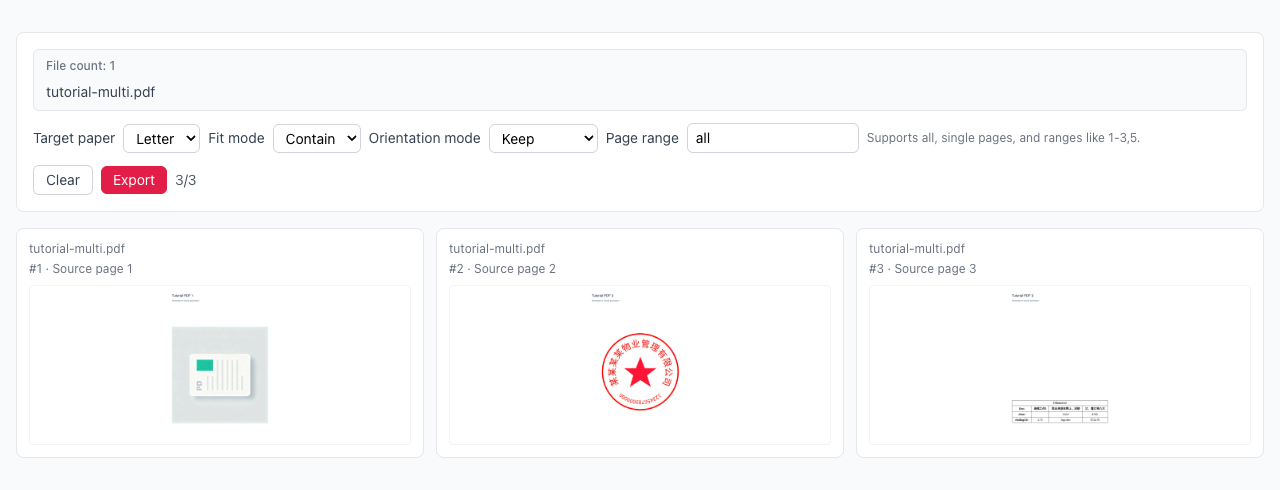
Choose paper, fit mode, orientation mode, and page range.
Check preview pages and tune options until layout is expected.
Export PDF for one file or ZIP for multiple files.
How do I choose between A4 and Letter?
What is the difference between contain/cover/stretch?
Can I process only a subset of pages?
Is my file uploaded to server?
Visual Tutorial
Follow the key states from import to export, then repeat the same flow on the page.
Every highlighted step stays in your browser. Files are processed locally and are not uploaded to a server.
Add one or multiple PDF files to enter the workbench.
Choose paper, fit mode, orientation mode, and page range.
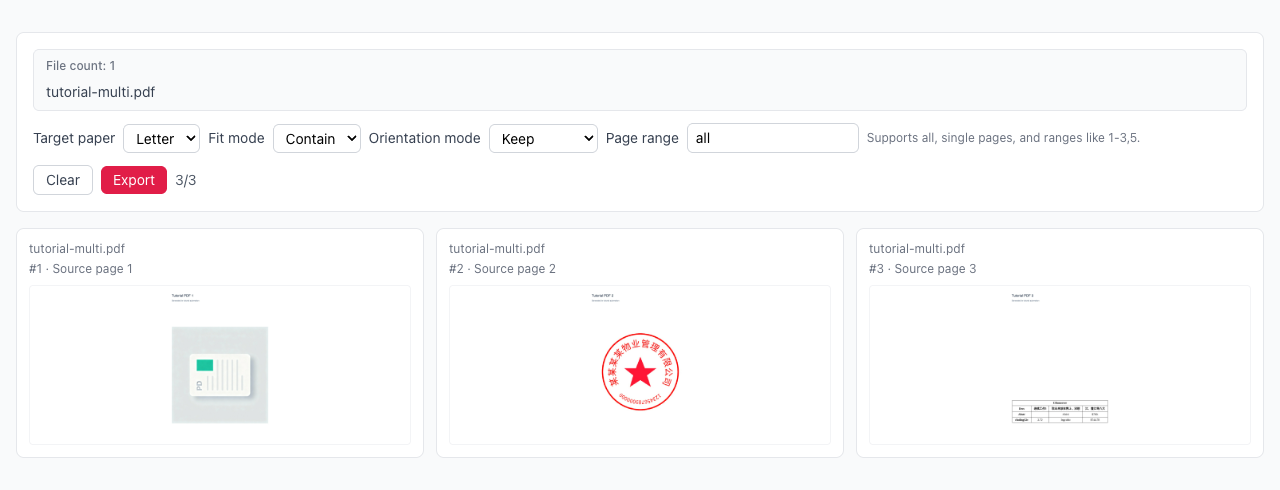
Run PDF Page Size to A4/Letter locally in your browser. Files are not uploaded to any server during this step.
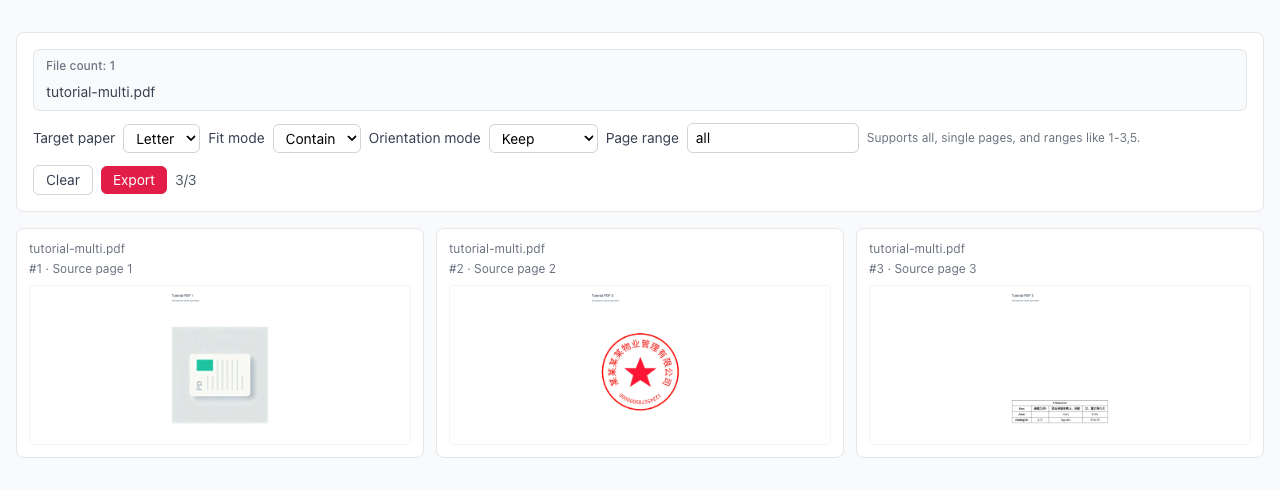
Export PDF for one file or ZIP for multiple files.
Another PDF workflow tool for continuous document processing.
Another PDF workflow tool for continuous document processing.
Another PDF workflow tool for continuous document processing.
Another PDF workflow tool for continuous document processing.