Add one or multiple PDF files into the same booklet job.
Turn normal PDFs into foldable booklet print files
Auto padding, spread reorder, and 8/16/32/64 signature split
Ideal for course handbooks, event brochures, and product booklets
Drag multiple PDFs here or click to select
Merge multiple PDF files instantly
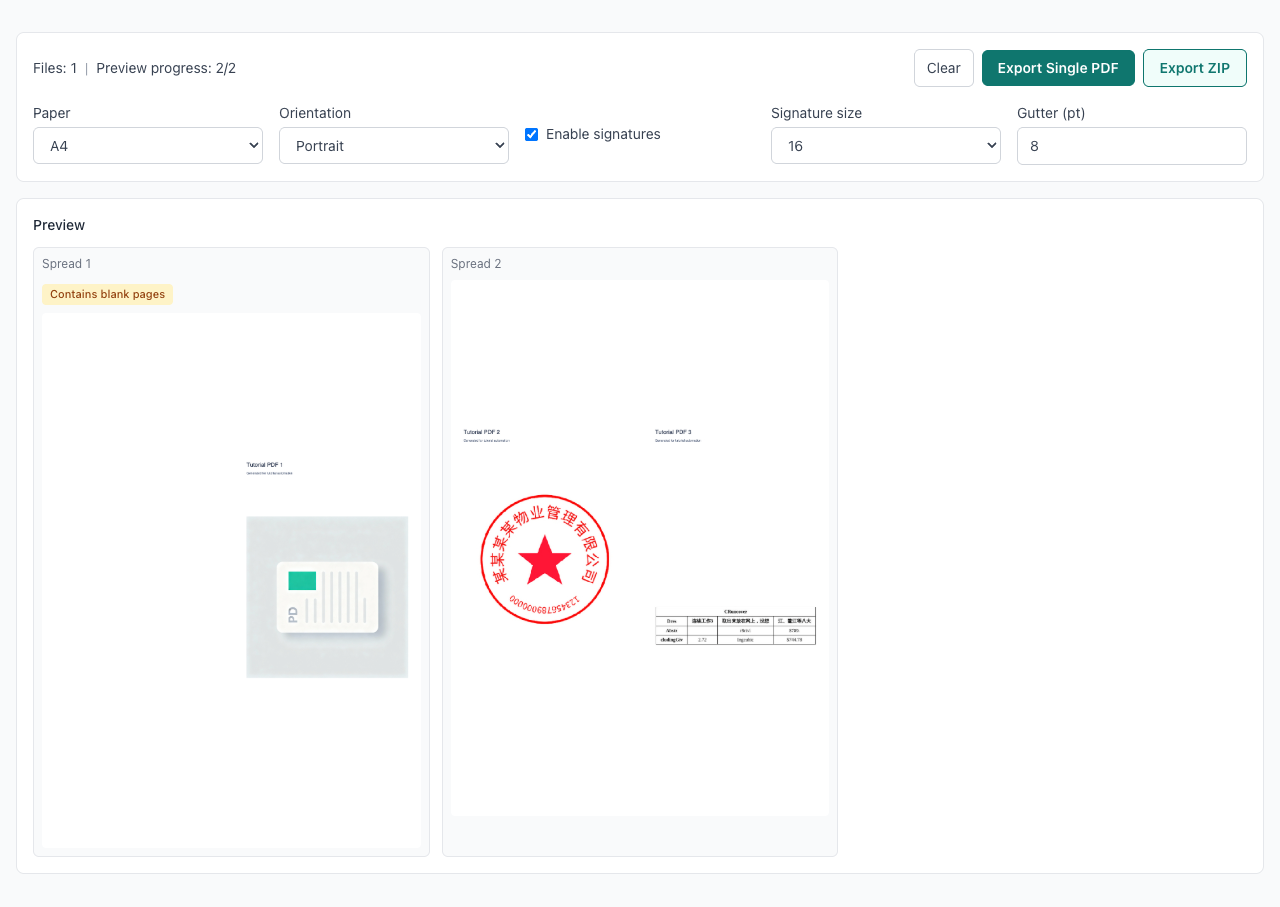
Pages are reordered so folded and bound output reads naturally.
Split by 8/16/32/64 pages for saddle stitch and print batching.
Missing pages are padded automatically to keep imposition valid.
Add one or multiple PDF files into the same booklet job.
Choose paper, orientation, gutter, and signature settings.
Confirm spread order, then export as single PDF or ZIP by signature.
When should I use Booklet instead of N-up?
Why are blank pages added automatically?
How do I choose 8/16/32/64 signature size?
Single PDF vs ZIP: which should I export?
Can I process multiple PDFs together?
Are files uploaded to a server?
Visual Tutorial
Follow the key states from import to export, then repeat the same flow on the page.
Every highlighted step stays in your browser. Files are processed locally and are not uploaded to a server.
Add one or multiple PDF files into the same booklet job.
Choose paper, orientation, gutter, and signature settings.
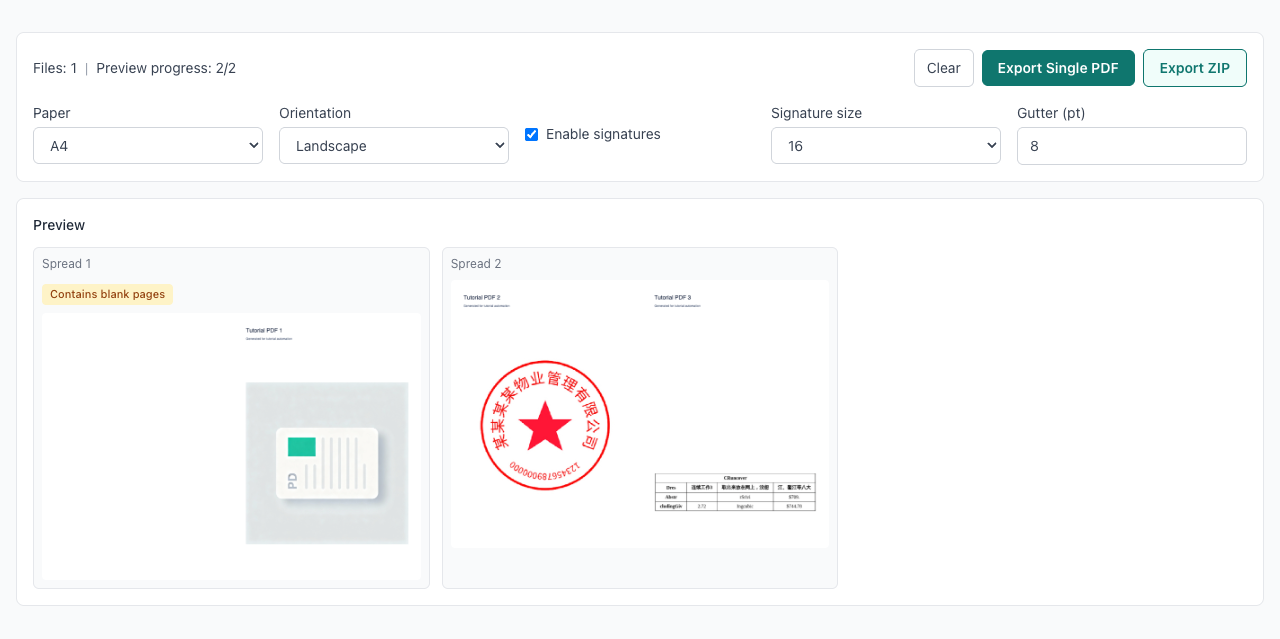
Run PDF Booklet locally in your browser. Files are not uploaded to any server during this step.
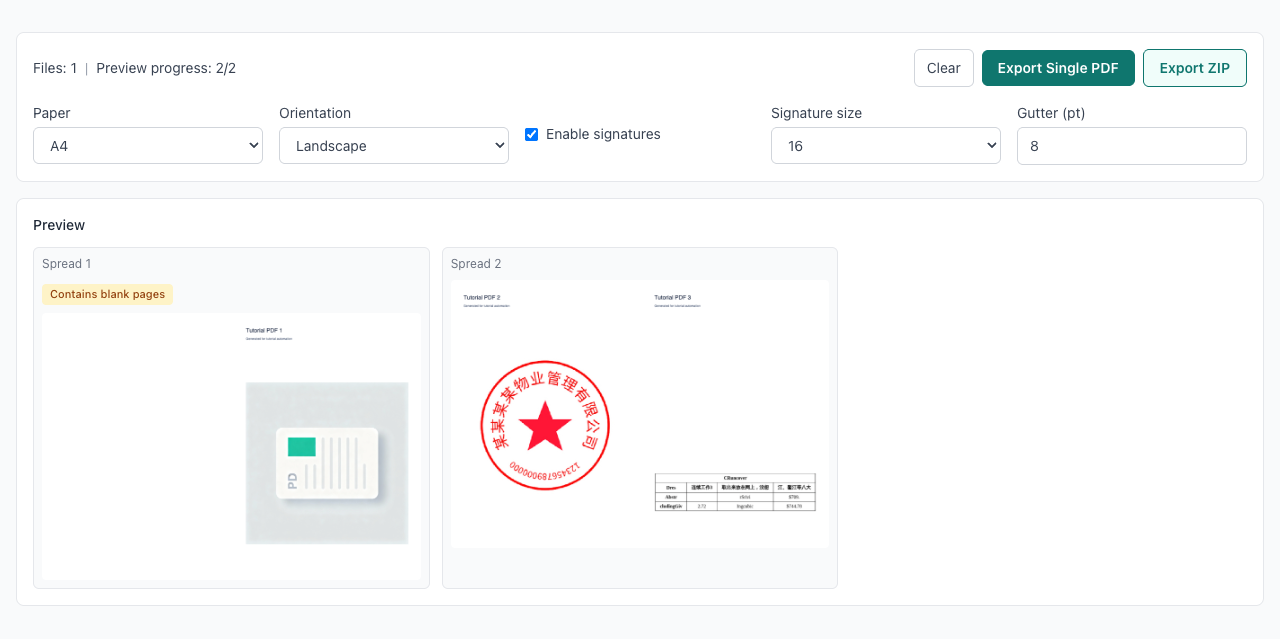
Confirm spread order, then export as single PDF or ZIP by signature.
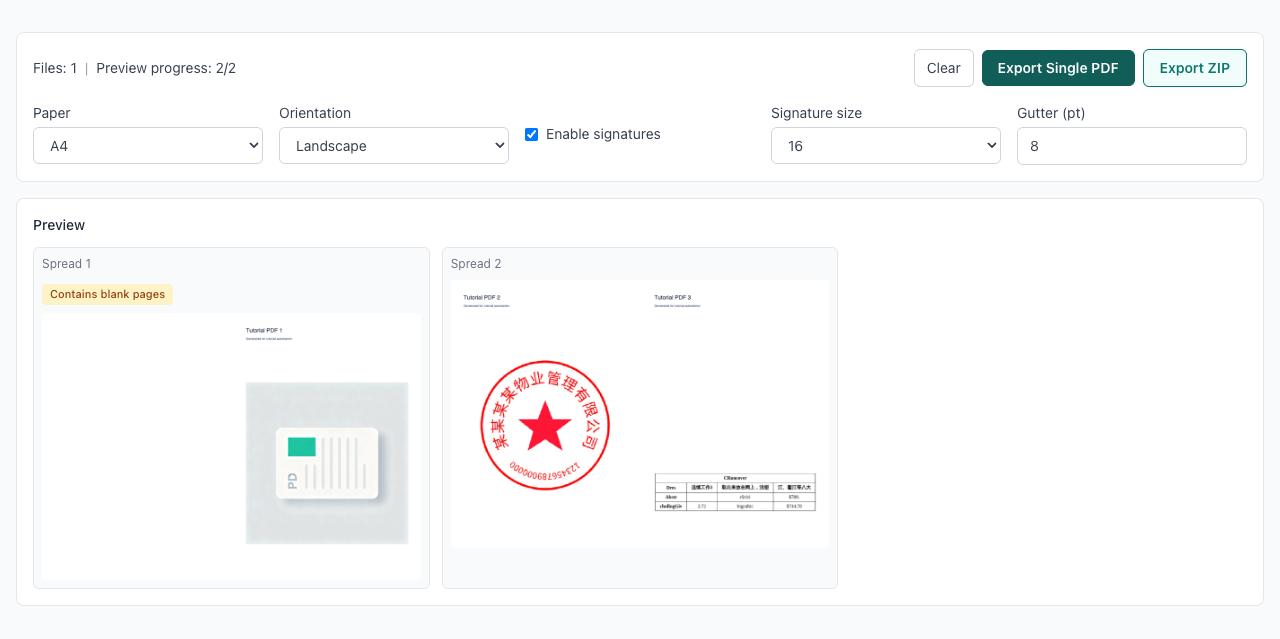
Another PDF workflow tool for continuous document processing.
Another PDF workflow tool for continuous document processing.
Another PDF workflow tool for continuous document processing.
Another PDF workflow tool for continuous document processing.