Drag and drop, or select one or more OFD files.
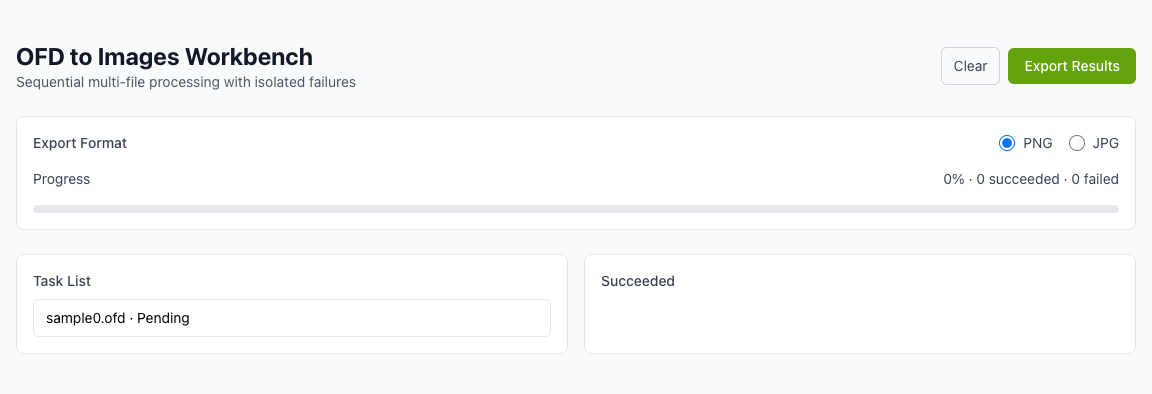
Browser-first processing with better privacy
Export each OFD page as an image in one click
Batch conversion with failure isolation
Drop OFD files here or click to select
Only OFD files are supported, multiple files allowed
Conversion runs in your browser whenever possible.
Process multiple OFD files sequentially with stable output.
A single failed file does not block other files.
Export every page as a separate image with predictable names.
Download multiple successful outputs as a ZIP file.
No client install required. Use directly in the browser.
Drag and drop, or select one or more OFD files.
Each OFD is processed sequentially and converted page-by-page.
Failed tasks are isolated and do not block successful exports.
Single success downloads directly; multiple results are zipped.
When should I convert OFD to images?
Why not share the original OFD file directly?
Does it support batch conversion?
Will my files be uploaded?
Visual Tutorial
Follow the key states from import to export, then repeat the same flow on the page.
Every highlighted step stays in your browser. Files are processed locally and are not uploaded to a server.
Drag and drop, or select one or more OFD files.
Each OFD is processed sequentially and converted page-by-page.
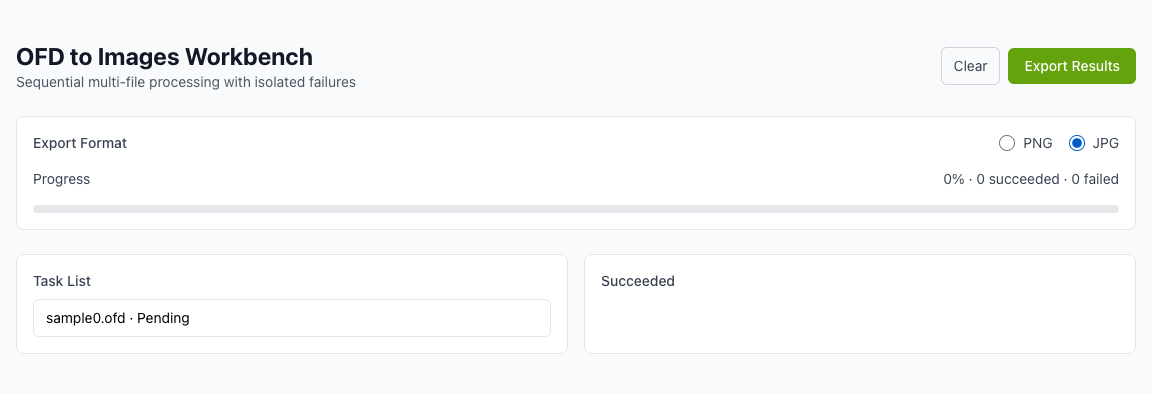
Run OFD to Images locally in your browser. Files are not uploaded to any server during this step.

Single success downloads directly; multiple results are zipped.
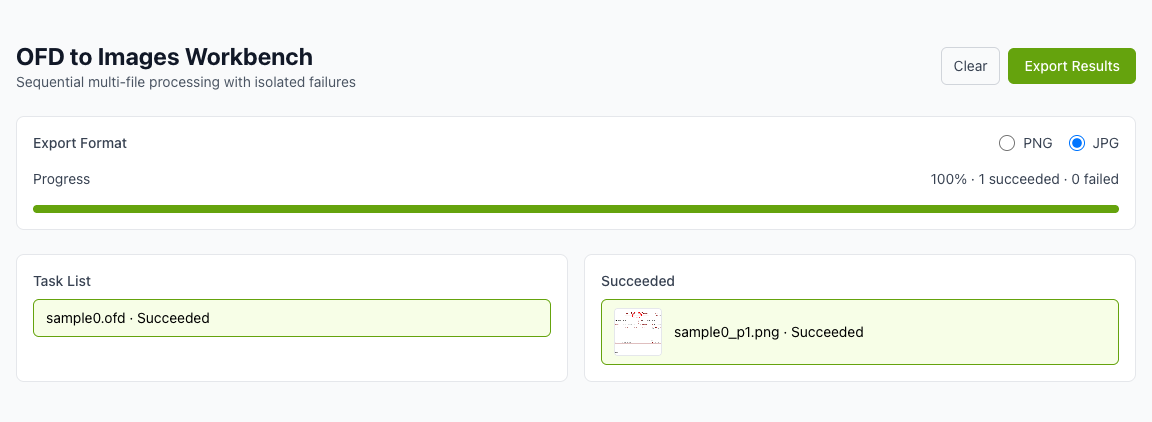
Another PDF workflow tool for continuous document processing.
Another PDF workflow tool for continuous document processing.
Another PDF workflow tool for continuous document processing.
Another PDF workflow tool for continuous document processing.