Drag and drop multiple PDF files (such as different contract chapters or invoices) into the upload area.
Select multiple PDF files, reorder them, and merge into one document instantly
Pure client-side processing
No uploads, secure for sensitive invoices and contracts
Drag multiple PDFs here or click to select
Merge multiple PDF files instantly
Batch merge electronic invoices. Combine multiple receipts from various sources into a single PDF for easier printing and filing.
Consolidate contract attachments. Merge main documents, scans, and supporting materials in order to build complete electronic records.
100% Secure. Merge sensitive documents like IDs, bank statements, or confidential reports locally without ever leaving your device.
Drag and drop multiple PDF files (such as different contract chapters or invoices) into the upload area.
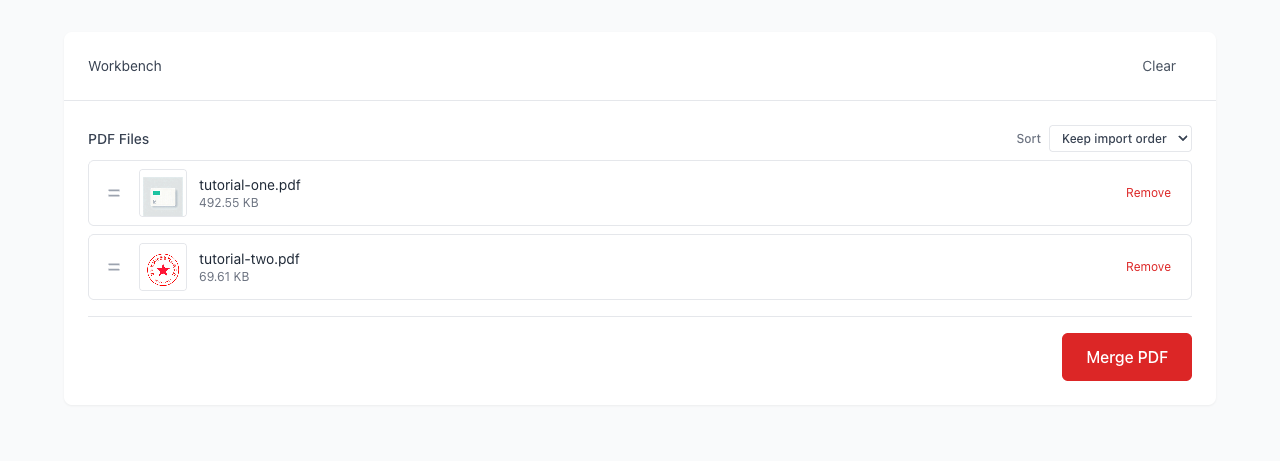
Preview and drag file cards to reorder them, ensuring the final document follows your desired sequence.
Click 'Merge PDF' to combine them instantly in your browser. No uploads required; download immediately.
How many files can I merge at once?
Can I merge PDFs with different page sizes (e.g., A4 and Letter)?
Will the quality decrease after merging?
Is it safe to merge confidential documents?
Visual Tutorial
Follow the key states from import to export, then repeat the same flow on the page.
Every highlighted step stays in your browser. Files are processed locally and are not uploaded to a server.
Drag and drop multiple PDF files (such as different contract chapters or invoices) into the upload area.
Preview and drag file cards to reorder them, ensuring the final document follows your desired sequence.
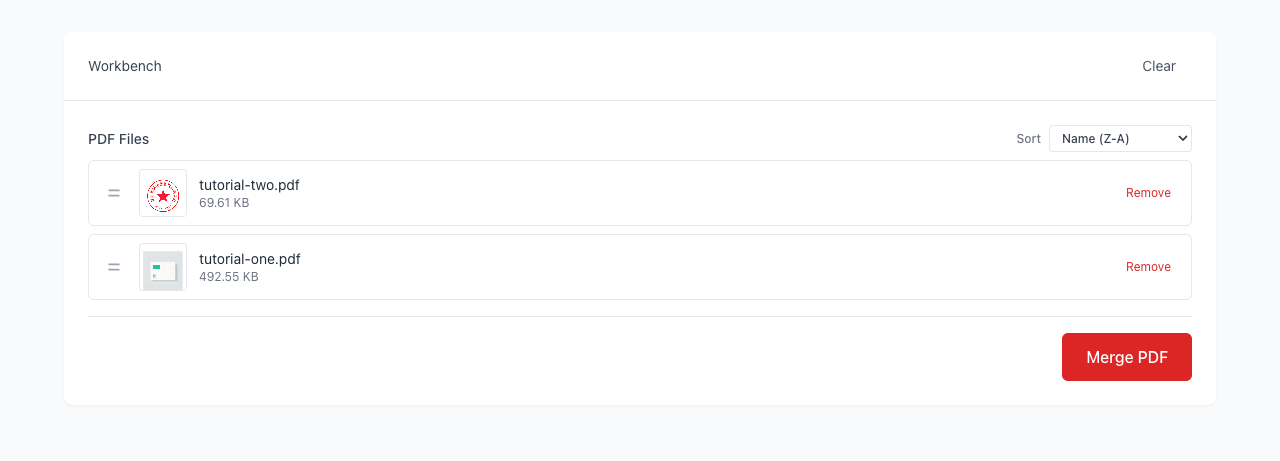
Run Merge PDF locally in your browser. Files are not uploaded to any server during this step.
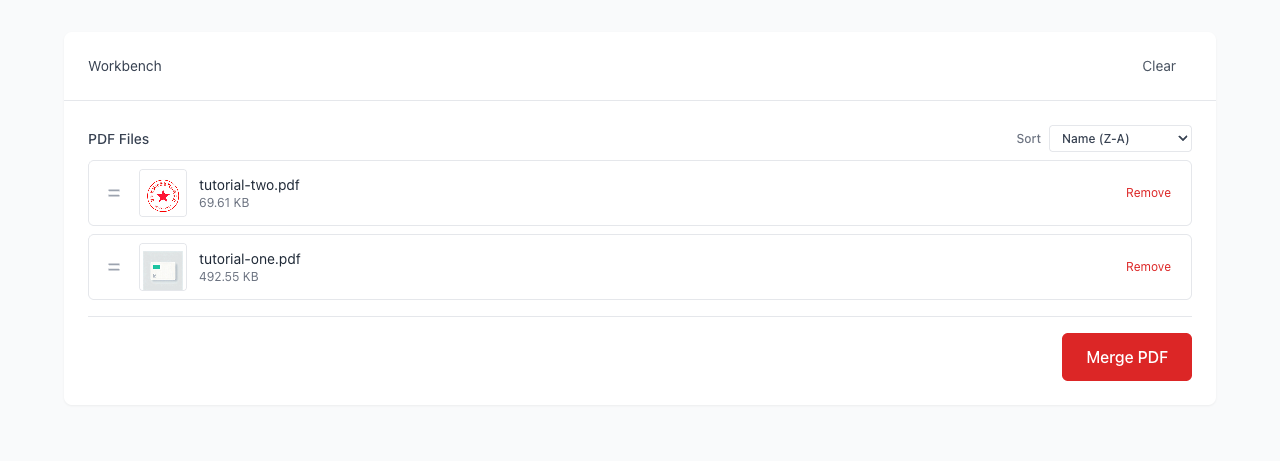
Click 'Merge PDF' to combine them instantly in your browser. No uploads required; download immediately.
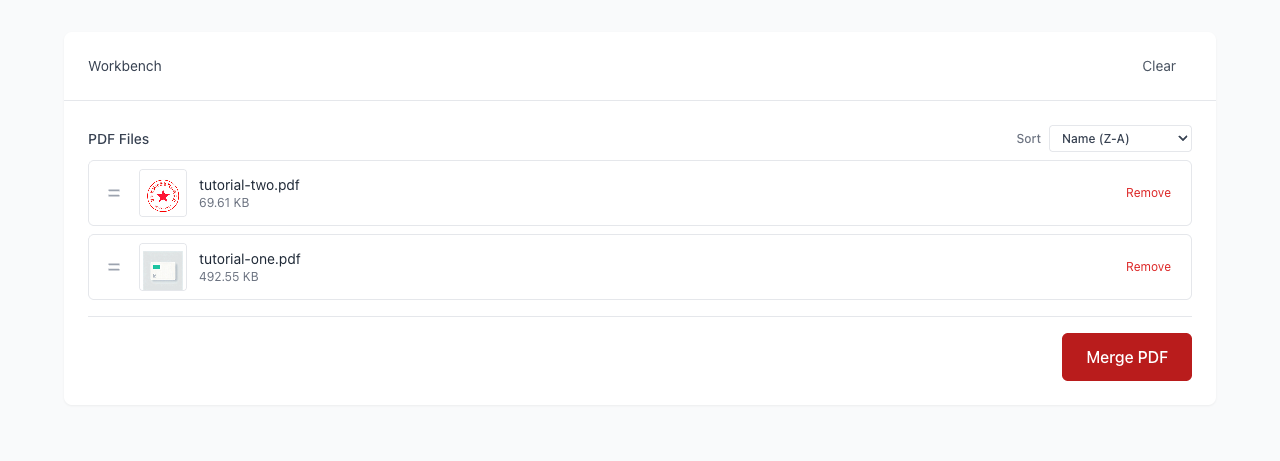
Another PDF workflow tool for continuous document processing.
Another PDF workflow tool for continuous document processing.
Another PDF workflow tool for continuous document processing.
Another PDF workflow tool for continuous document processing.