Upload a single PDF file.
Add a password and export a protected PDF
Set a password in seconds.
Local processing, no uploads.
Drag a PDF here or click to select
PDF only (single file)
Unencrypted PDF
Encrypted PDF
If you need to share, upload, or store across devices, encrypting first reduces leak risk.
Encrypt before sending to clients or partners to avoid accidental forwarding or leaks.
Payslips, financial reports, customer lists are safer when encrypted first.
Encrypt before cloud drives or messaging to keep storage and transit safer.
When moving between phone and computer, encryption protects against loss or casual access.
Tip: encryption only affects the exported file.
Enter a password and export instantly.
Strong 256-bit encryption by default.
No uploads. Your file never leaves the device.
Page order and content stay the same.
Generate the encrypted file quickly.
Upload a single PDF file.
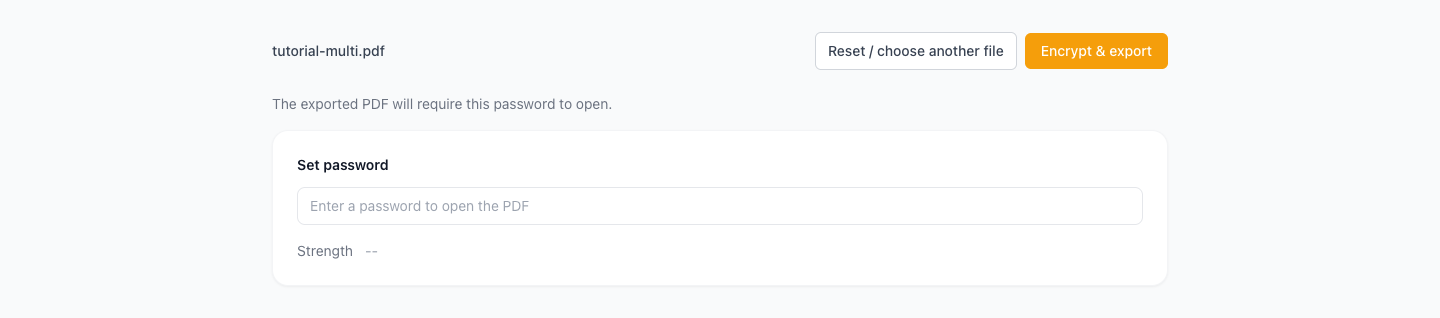
Enter a password to protect the file.
Download the encrypted PDF.
Sending contracts/quotes—what's safest?
Can others edit or copy after encryption?
Can I recover a forgotten password?
Will encryption change content or order?
Do you upload my files?
Visual Tutorial
Follow the key states from import to export, then repeat the same flow on the page.
Every highlighted step stays in your browser. Files are processed locally and are not uploaded to a server.
Upload a single PDF file.
Enter a password to protect the file.
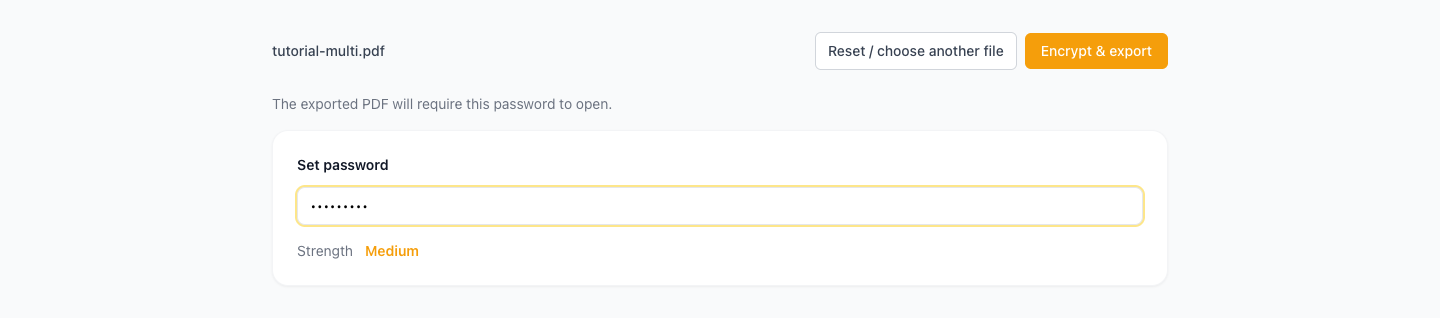
Run Encrypt PDF locally in your browser. Files are not uploaded to any server during this step.
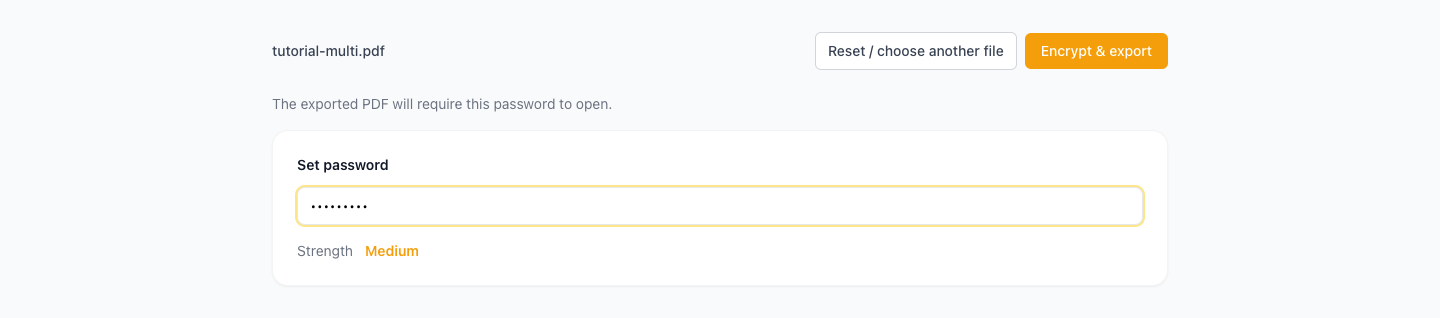
Download the encrypted PDF.
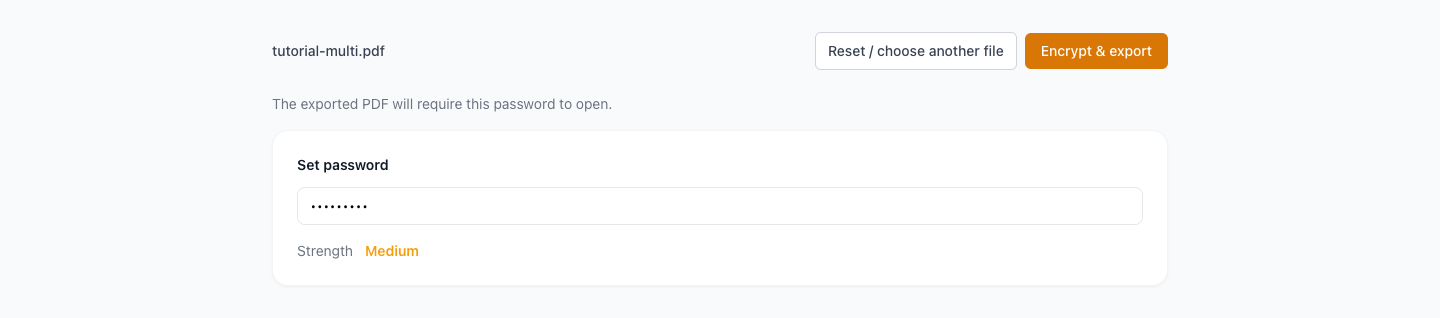
Another PDF workflow tool for continuous document processing.
Another PDF workflow tool for continuous document processing.
Another PDF workflow tool for continuous document processing.
Another PDF workflow tool for continuous document processing.