Drag and drop or select a single PDF.
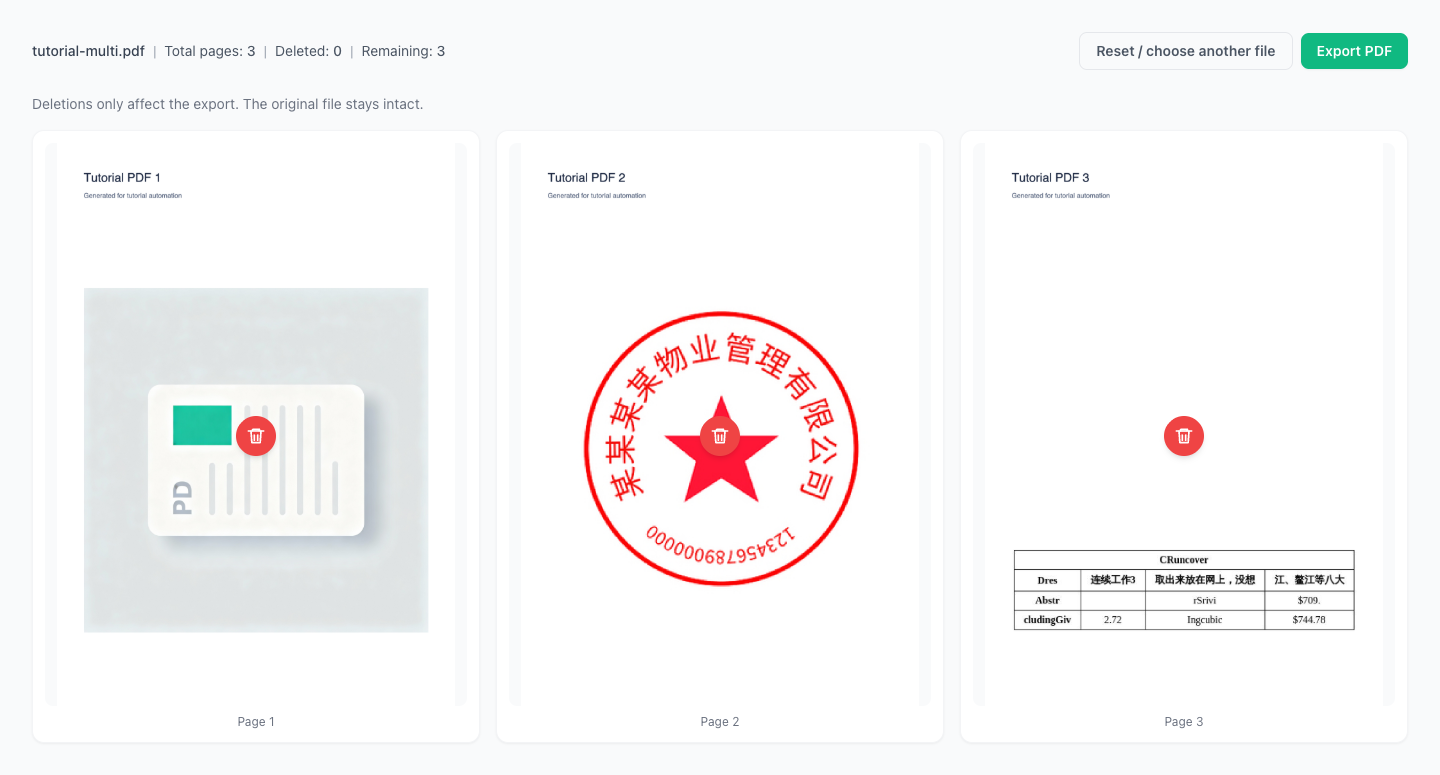
Remove pages locally and export
Deletions affect only this export.
No uploads, privacy-first.
Drag a PDF here or click to select
PDF only (single file)
Original PDF
PDF after deletion
Remove unwanted pages before sharing or printing.
Clean up scans with extra empty pages.
Export only the main content.
Remove pages you don't want to share.
Everything runs in your browser.
Tip: deletion only affects the exported file.
Preview every page before deleting.
Remove pages instantly with no confirmation.
Export remaining pages in original order.
Enter a password to unlock and proceed.
No uploads. Your file stays local.
Drag and drop or select a single PDF.
Click delete on pages you want to remove.
Export a new PDF with remaining pages.
What if my scan has lots of blank pages?
I only want the main content, not the cover/appendix
I need to send it, but a few pages are sensitive
Will deleting pages damage the original file?
The file is too large to email or upload
Worried about privacy?
Visual Tutorial
Follow the key states from import to export, then repeat the same flow on the page.
Every highlighted step stays in your browser. Files are processed locally and are not uploaded to a server.
Drag and drop or select a single PDF.
Click delete on pages you want to remove.
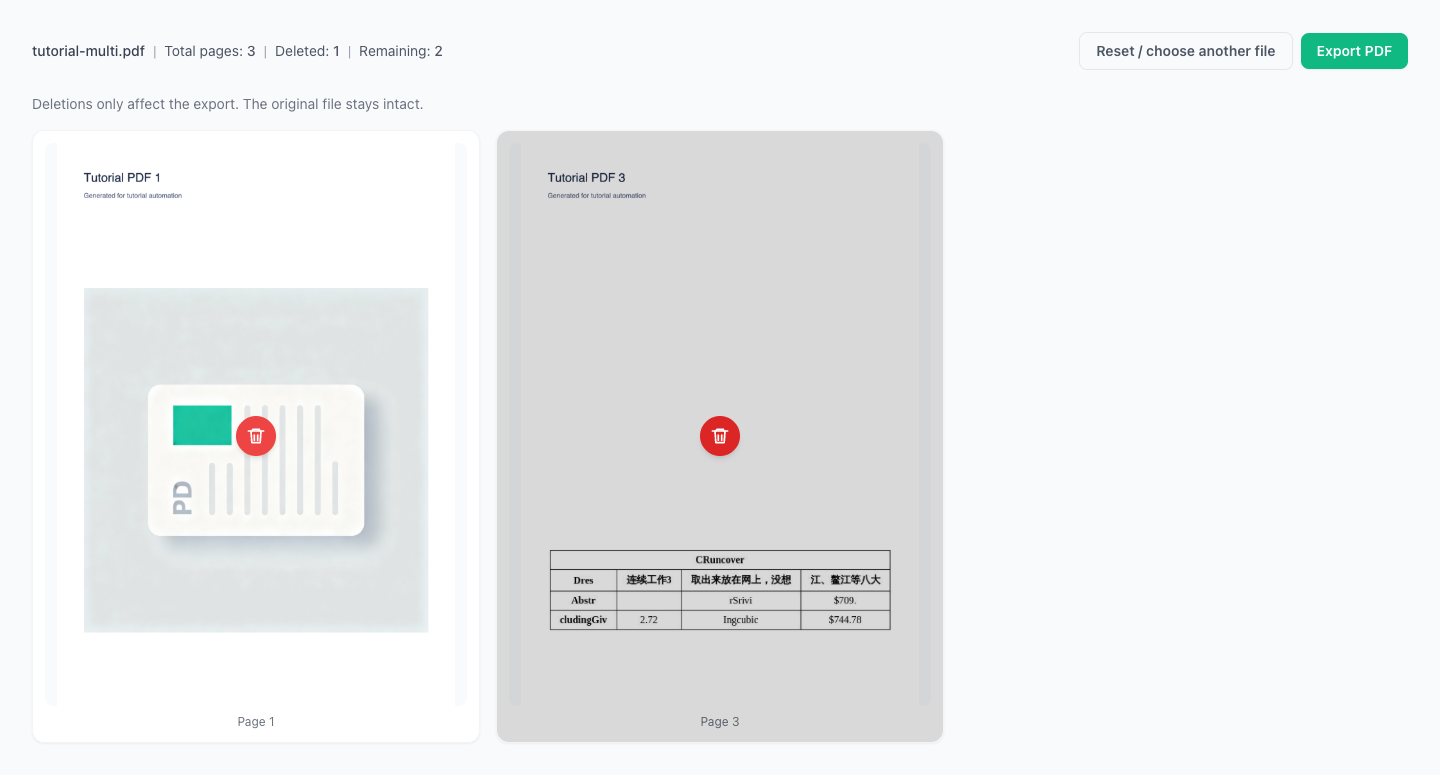
Run Delete PDF Pages locally in your browser. Files are not uploaded to any server during this step.
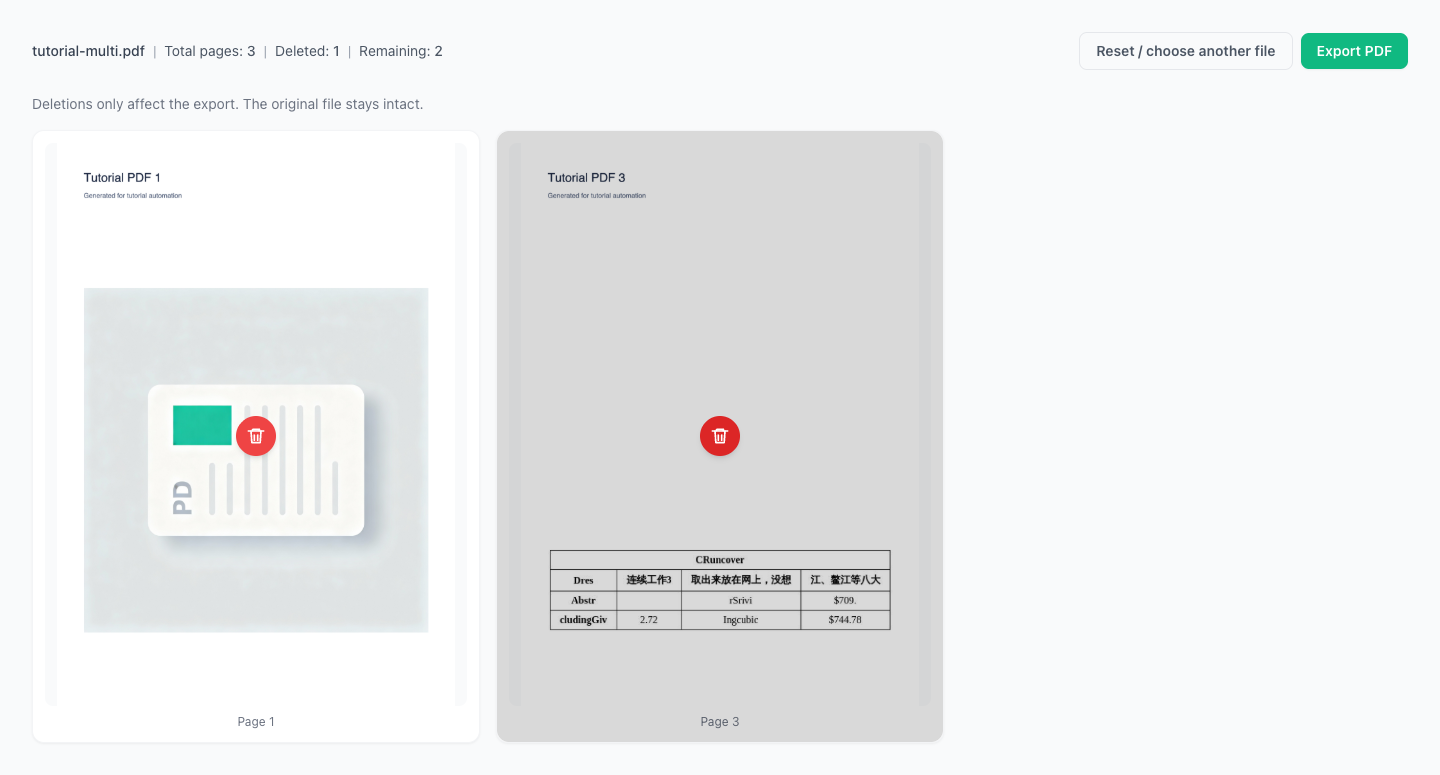
Export a new PDF with remaining pages.
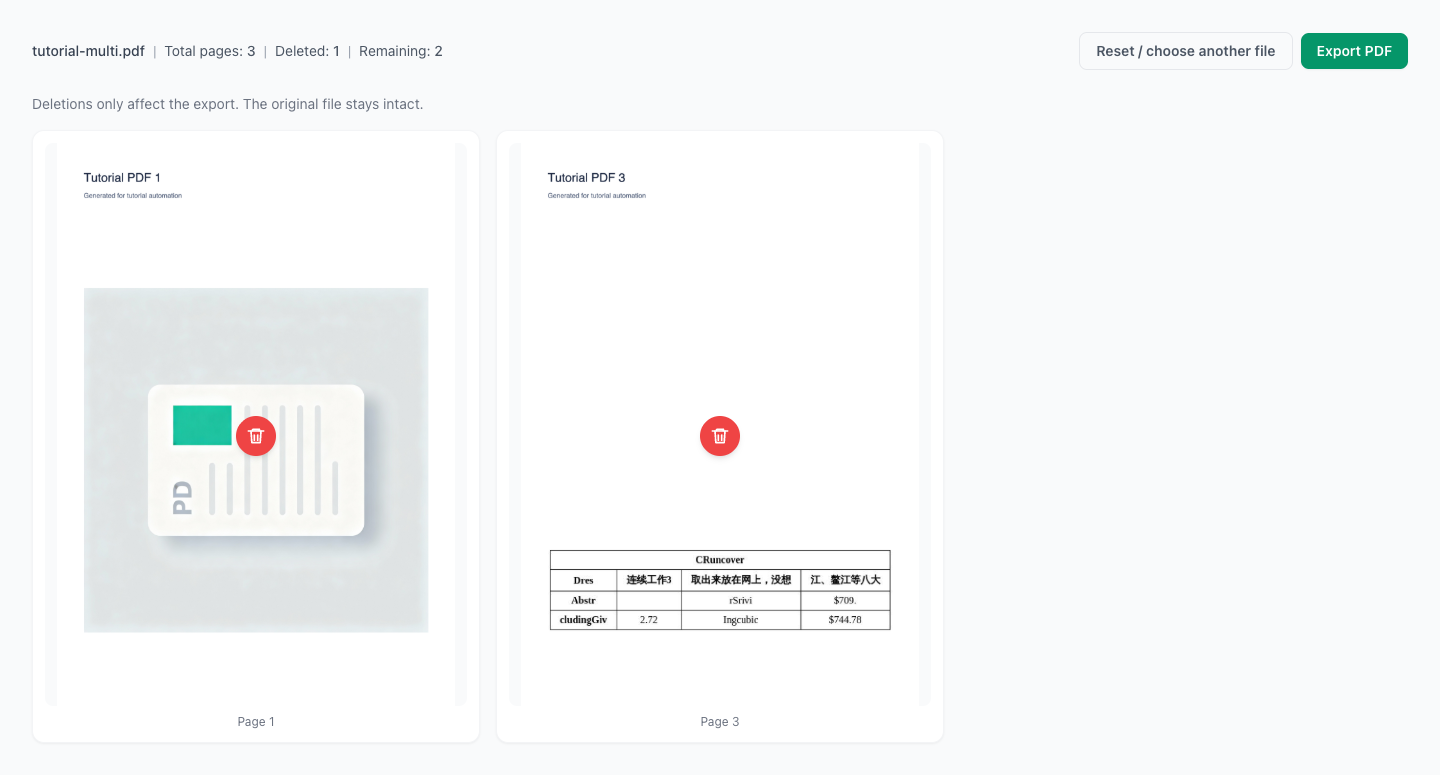
Another PDF workflow tool for continuous document processing.
Another PDF workflow tool for continuous document processing.
Another PDF workflow tool for continuous document processing.
Another PDF workflow tool for continuous document processing.