Drag and drop photos containing cards or invoices. Supports multiple files or entire folders.
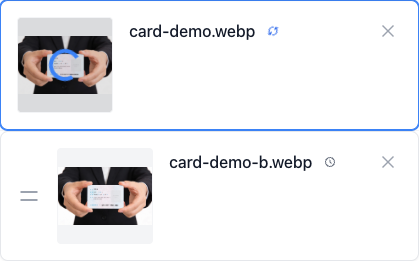
Intelligently detect, de-skew, and crop cards and invoices
Stop manual cropping, batch process in one click.
Fully localized, privacy guaranteed.
Click or drag images/folder here to upload
Supports JPG, PNG, WebP formats
Advanced AI models automatically detect edges, de-skew, and split images
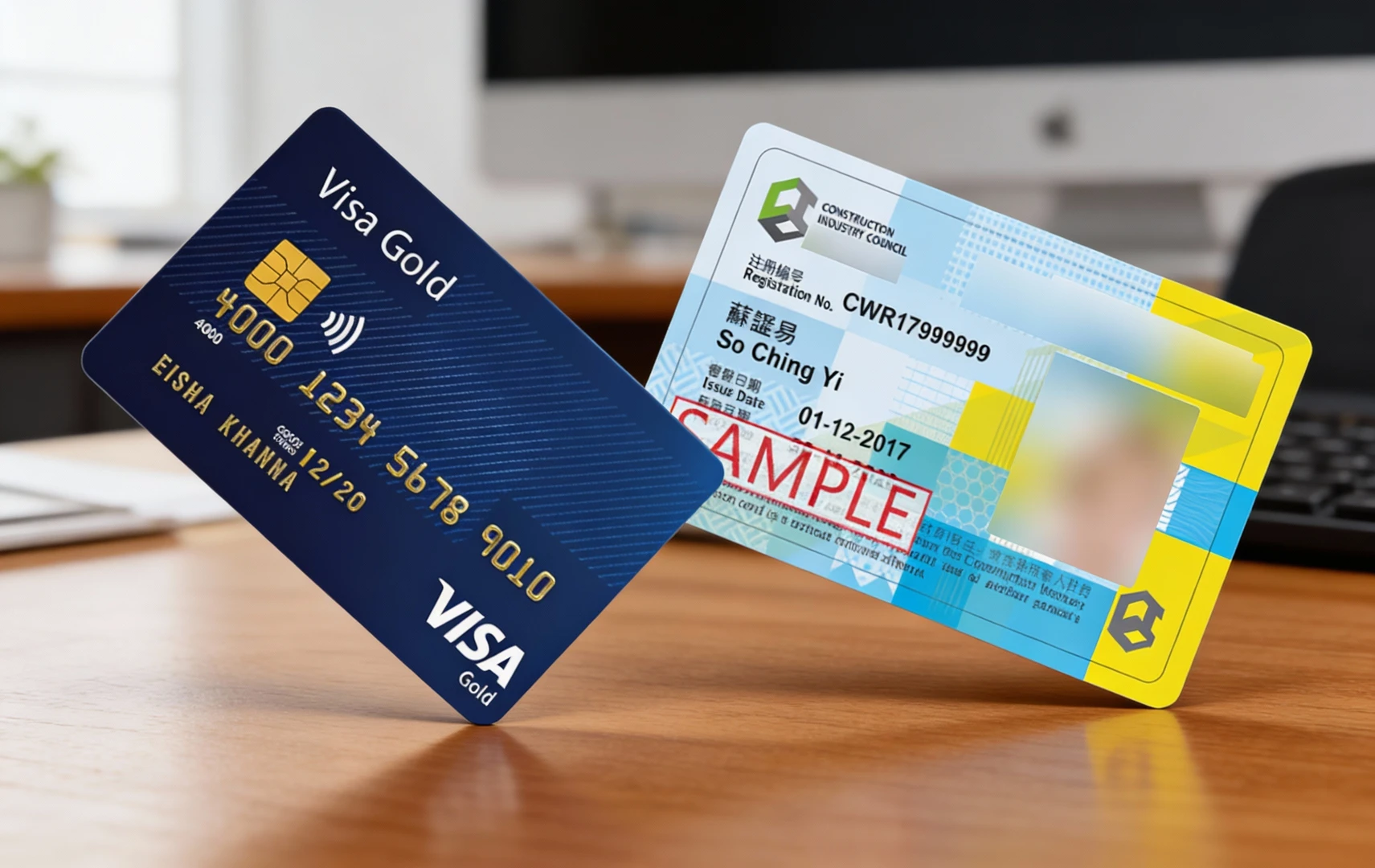
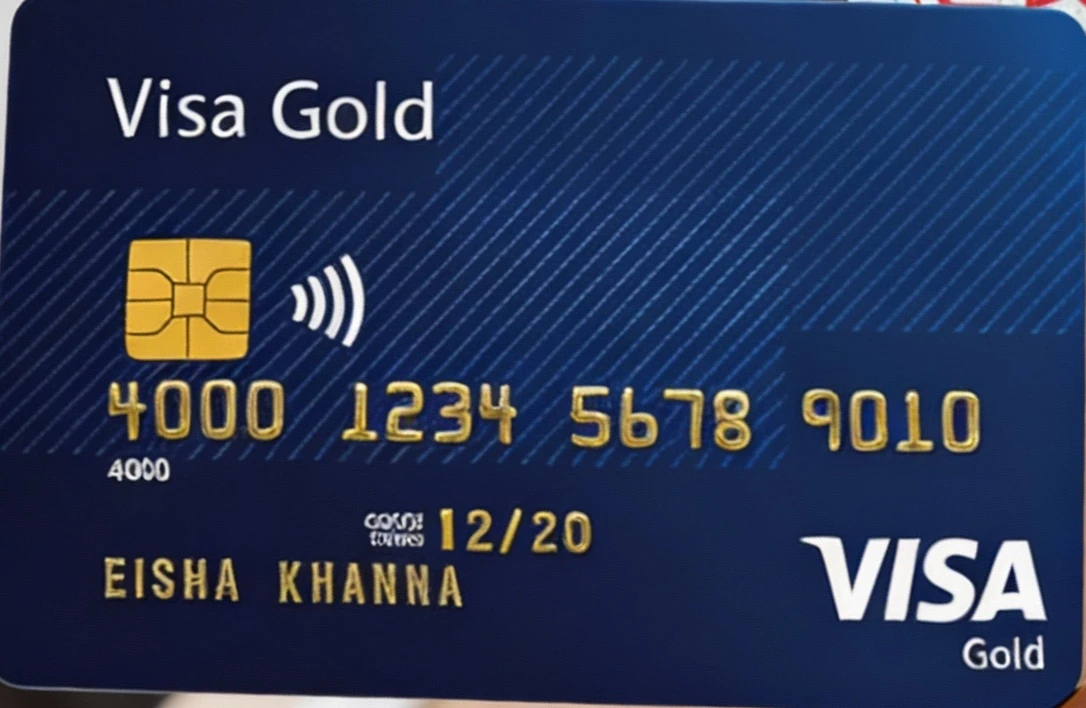


Have a pile of receipts? Lay them out, take a photo, and OOCCRR will auto-split them into individual, neat images.
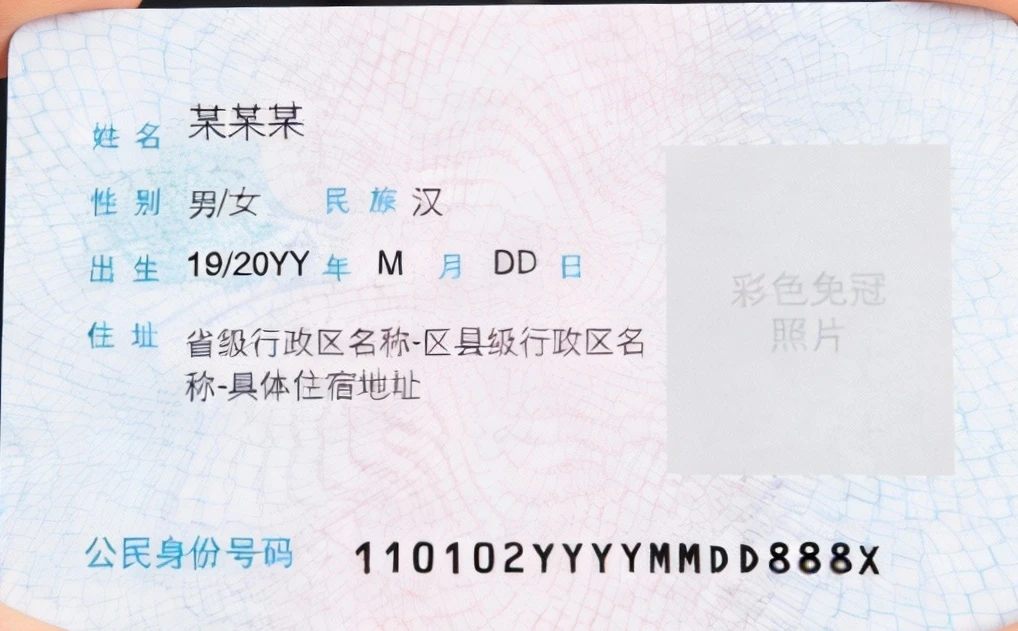
Turn ID photos into professional scans. Automatically remove backgrounds, de-skew, and crop for a clean, flat result.
Stacks of business cards? Take a photo, and automatically recognize and split each card for easy digital management.
Batch scanning contracts or documents? Automatically crop out redundant backgrounds to keep your digital files clean.
Drop dozens of photos at once. Process and crop everything in seconds, eliminating repetitive manual work.
Automatically find edges of IDs and invoices. Even tilted or skewed photos are auto-corrected and cropped perfectly.
Everything runs locally in your browser. No uploads, no data leaves your device. 100% private and secure.
Drag and drop photos containing cards or invoices. Supports multiple files or entire folders.
The system automatically detects all rectangular targets and performs high-precision de-skewing and cropping.
Preview the results and download all cropped high-resolution images in a single ZIP file.
How many photos can I process at once?
What if the detection is inaccurate?
Will cropped photos be blurry?
Is my ID information secure?
Visual Tutorial
Follow the key states from import to export, then repeat the same flow on the page.
Every highlighted step stays in your browser. Files are processed locally and are not uploaded to a server.
Drag and drop photos containing cards or invoices. Supports multiple files or entire folders.
The system automatically detects all rectangular targets and performs high-precision de-skewing and cropping.
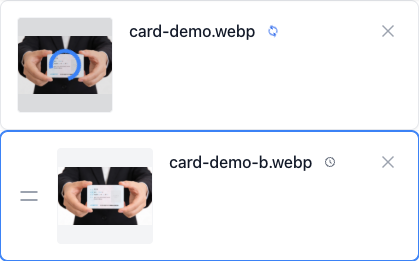
Run Card Crop locally in your browser. Files are not uploaded to any server during this step.
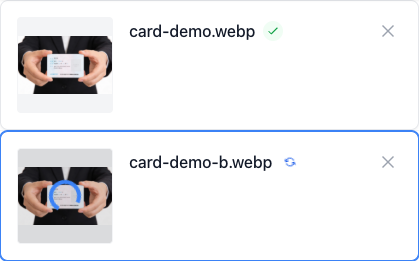
Preview the results and download all cropped high-resolution images in a single ZIP file.

Another OCR-focused tool for the same recognition workflow.
Another image utility for conversion and export.
Another image utility for conversion and export.
Another image utility for conversion and export.