Drag and drop or select AVIF files.
Batch convert AVIF images to PNG/JPG
Local in-browser conversion
No uploads required
Click or drag AVIF files here
AVIF only, batch supported
All processing happens in your browser. No uploads.
Select multiple AVIF files and export together.
Limit longest side or scale by percentage. JPG quality adjustable.
Drag and drop or select AVIF files.
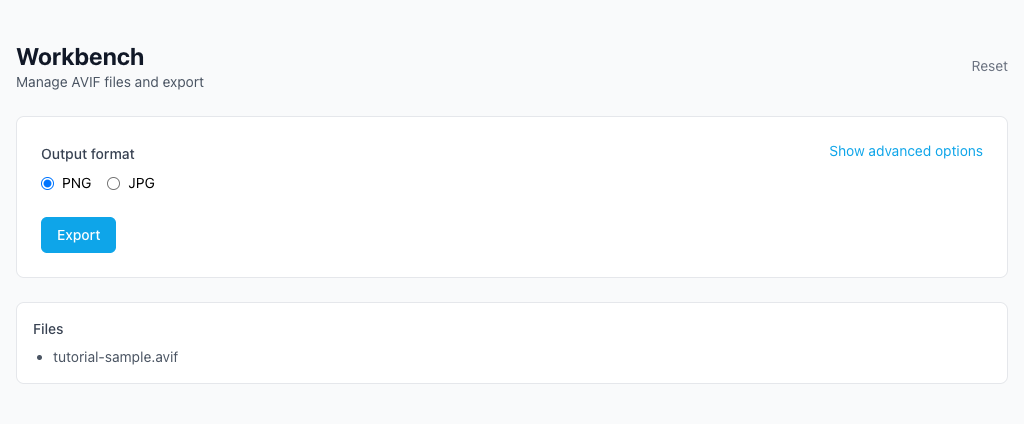
Pick PNG or JPG and adjust quality/size.
Single file downloads directly, multiple files in a ZIP.
My AVIF images won't open on some platforms.
Why do some websites reject AVIF uploads?
Older devices can't open AVIF.
Will my photos be uploaded?
How do I balance quality and file size?
Visual Tutorial
Follow the key states from import to export, then repeat the same flow on the page.
Every highlighted step stays in your browser. Files are processed locally and are not uploaded to a server.
Drag and drop or select AVIF files.
Pick PNG or JPG and adjust quality/size.
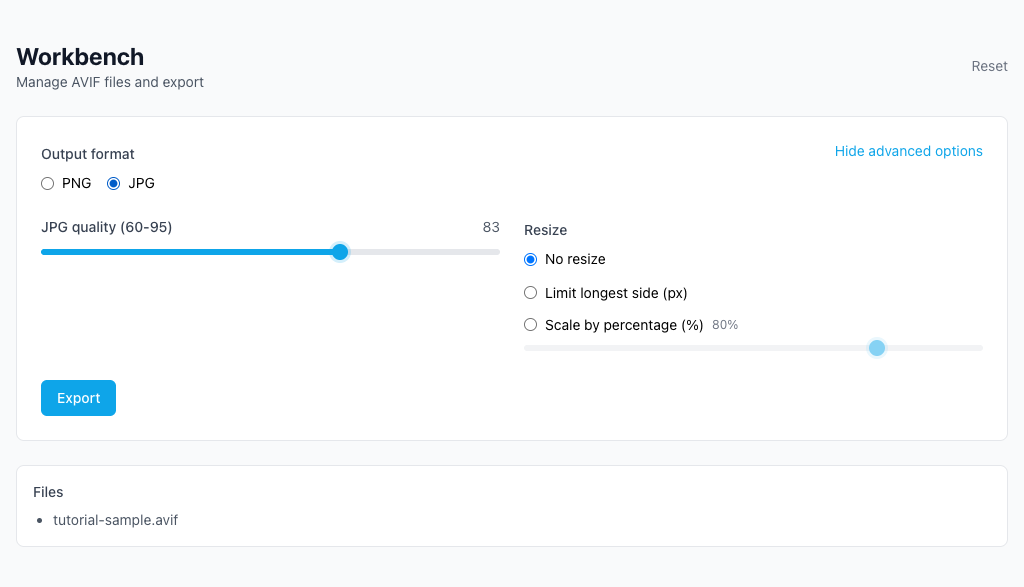
Run AVIF to PNG/JPG locally in your browser. Files are not uploaded to any server during this step.
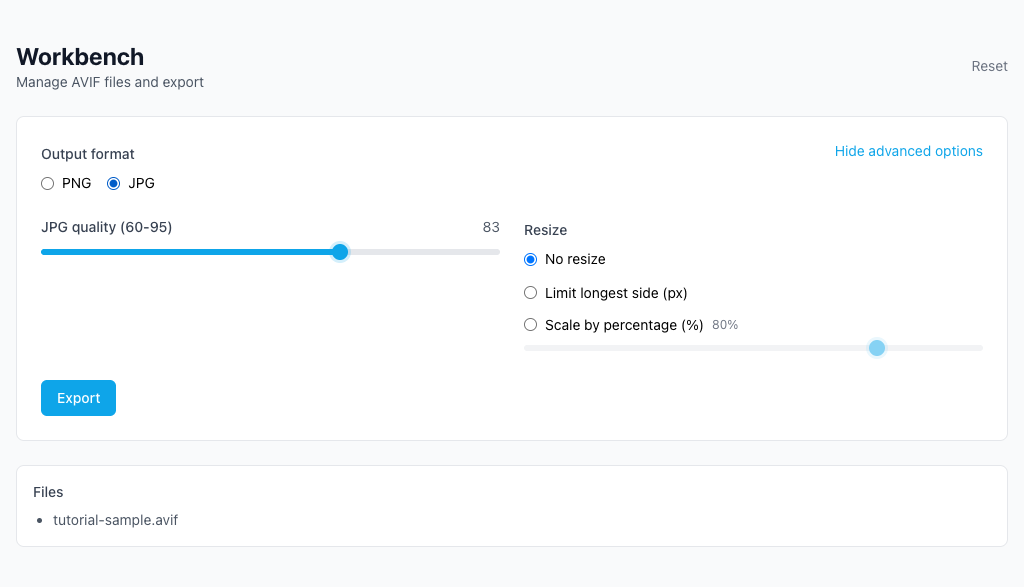
Single file downloads directly, multiple files in a ZIP.
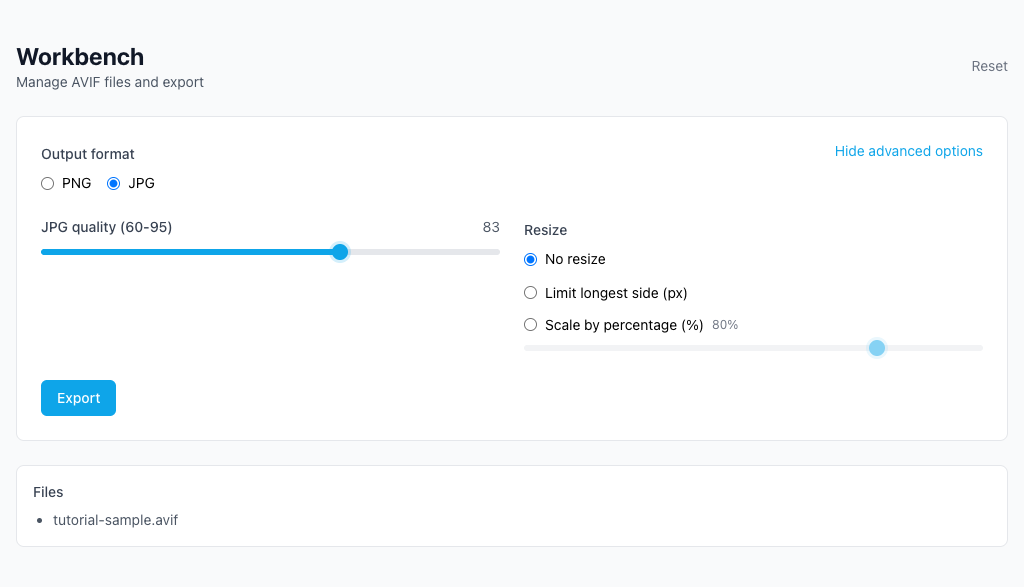
Another image utility for conversion and export.
Another image utility for conversion and export.
Another image utility for conversion and export.
Another image utility for conversion and export.