Drag and drop or select a single PDF.
Number your PDF pages in seconds
Choose position, margin, start number, and range.
Local processing, live preview, export instantly.
Drag a PDF here or click to select
PDF only (single file)
PDF without page numbers
PDF with page numbers
Reports, tenders, and papers require consistent numbering. Manual edits are slow and error-prone.
Start numbering from a specific page with correct offsets.
Keep margins and placement consistent for clean output.
Skip cover or TOC and start from the main content.
Everything runs locally in your browser.
Tip: pick all/odd/even/first/last pages or a custom expression.
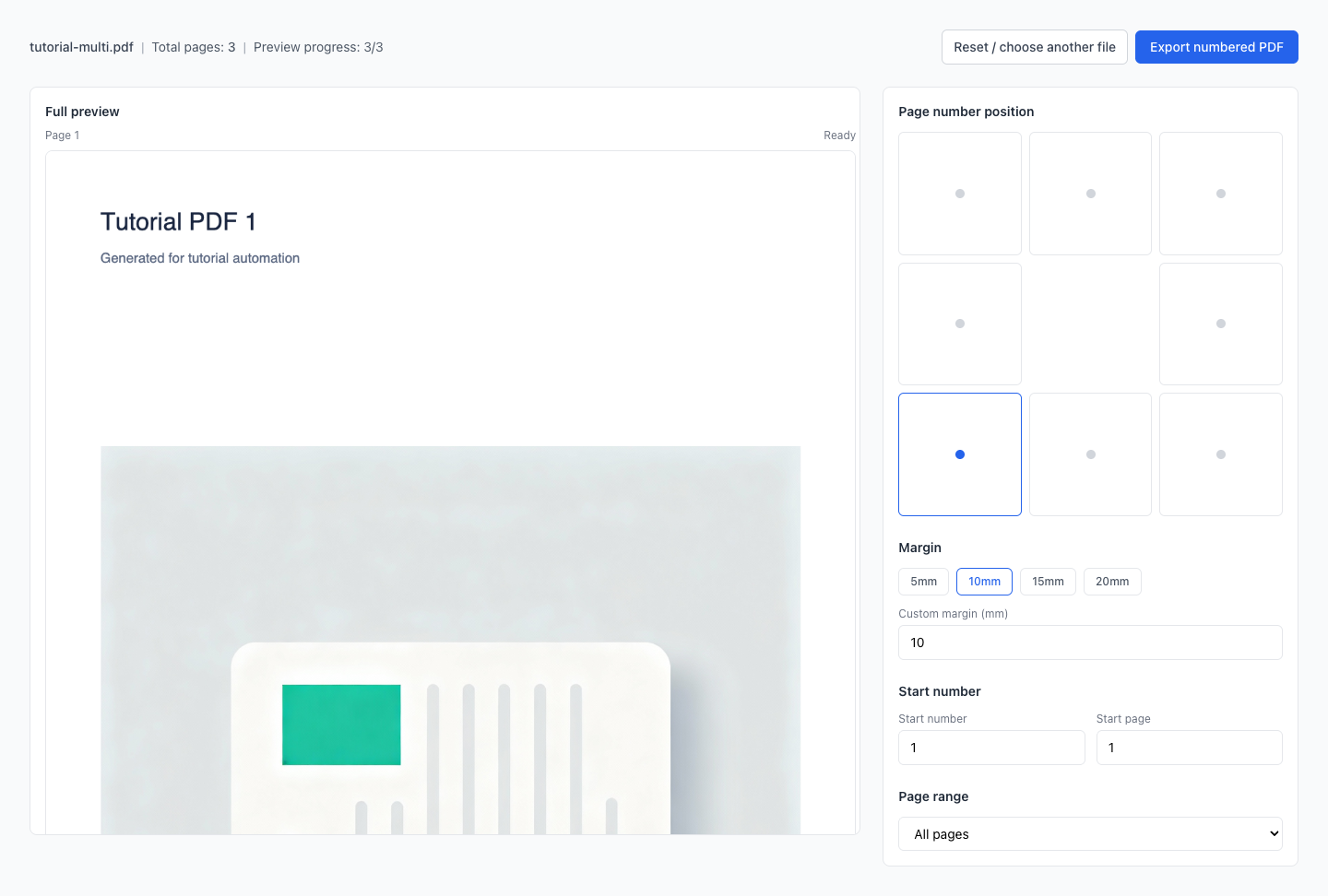
Use a 3x3 grid with the center cell blank.
Begin numbering at any page with automatic increment.
All/odd/even/first/last, range, or custom expression.
Scroll through a continuous preview of all pages.
No uploads. Your PDF never leaves your device.
Drag and drop or select a single PDF.
Choose position, margin, start number, and range.
Review the preview and export the numbered PDF.
How do I start numbering from the main content and skip the cover/TOC?
Can I start numbering from 0 or 5?
How can I number only odd/even pages or specific pages?
Need bottom-right numbers with binding margin?
Is the exported file ready for submission or printing?
Visual Tutorial
Follow the key states from import to export, then repeat the same flow on the page.
Every highlighted step stays in your browser. Files are processed locally and are not uploaded to a server.
Drag and drop or select a single PDF.
Choose position, margin, start number, and range.
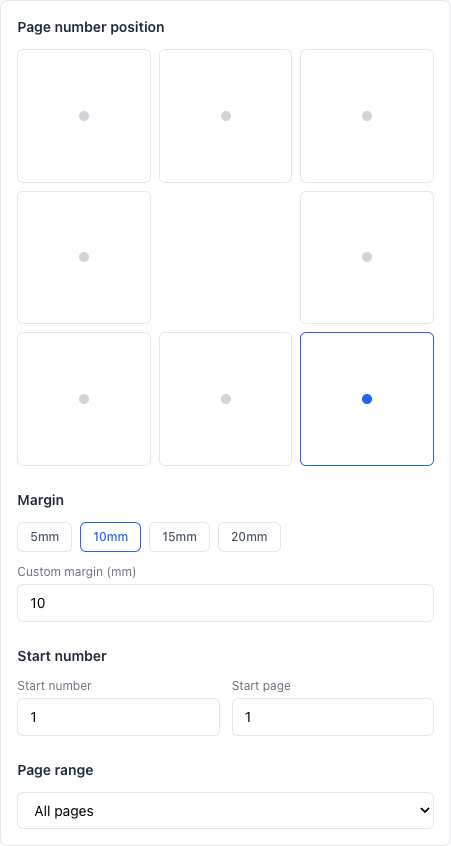
Run Add Page Numbers locally in your browser. Files are not uploaded to any server during this step.
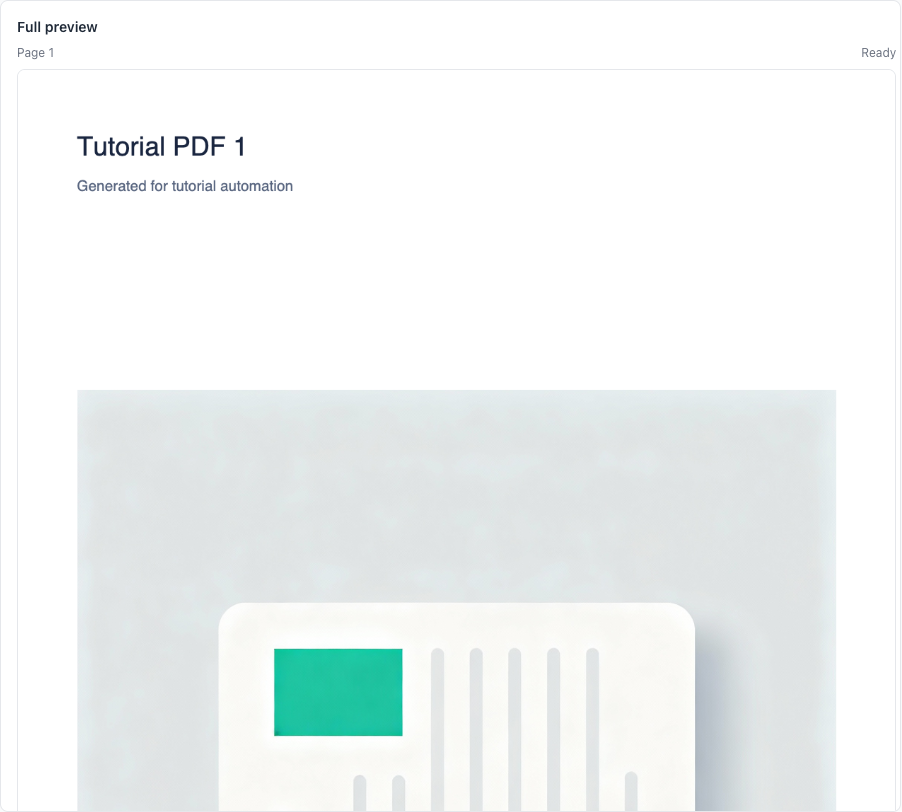
Review the preview and export the numbered PDF.
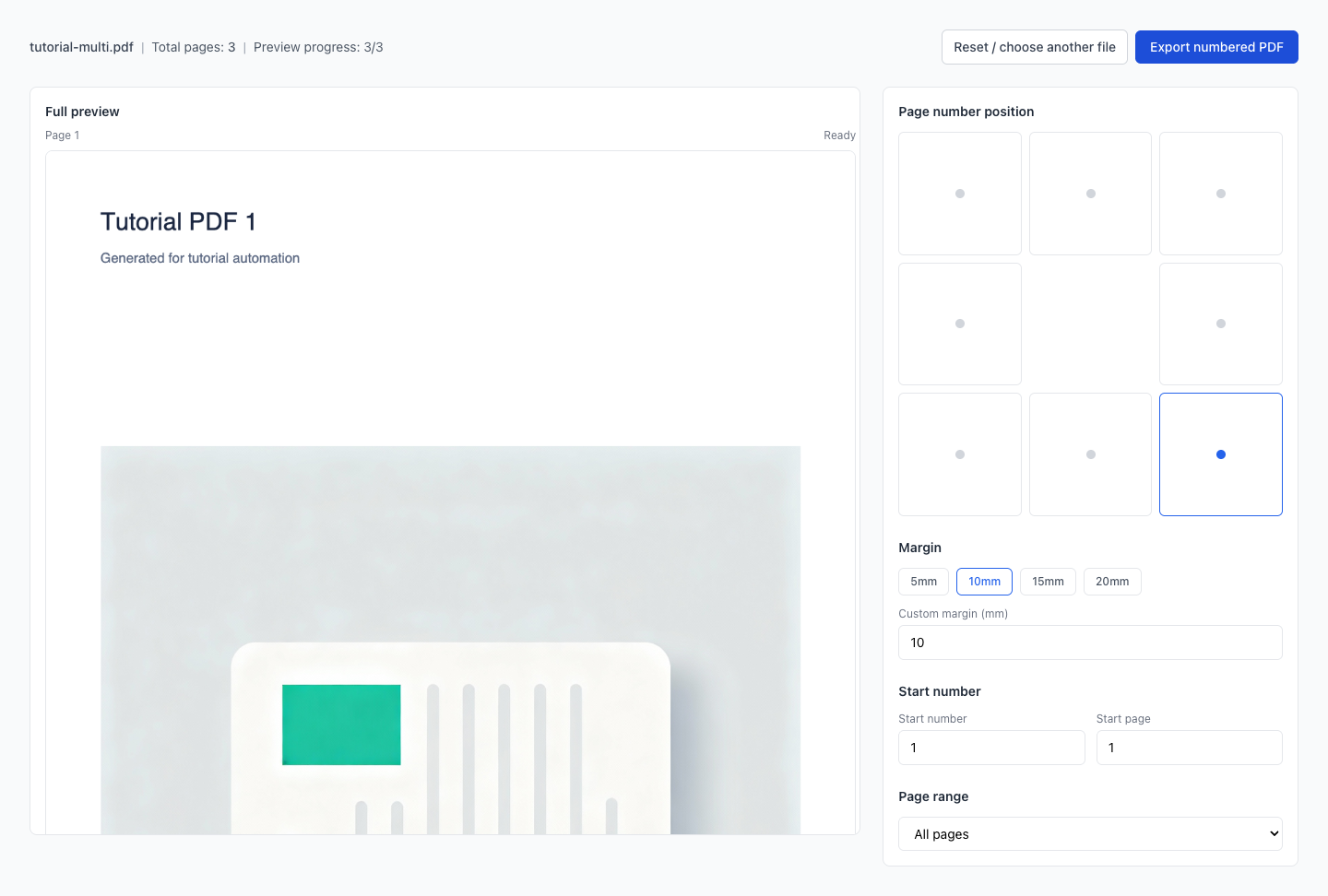
Another PDF workflow tool for continuous document processing.
Another PDF workflow tool for continuous document processing.
Another PDF workflow tool for continuous document processing.
Another PDF workflow tool for continuous document processing.