Drag and drop images, folders, or use Ctrl+V to paste screenshots directly from your clipboard. Supports JPG, PNG, and WebP formats.
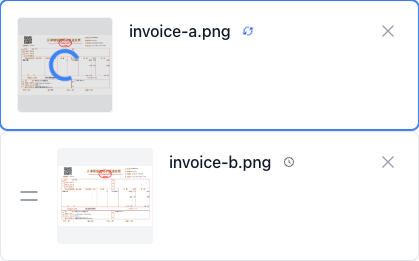
Snap text from images instantly.
Private, secure, and purely local.
Click or drag images/folder here to upload
Supports JPG, PNG, WebP formats
All processing happens locally in your browser. Your images and data never leave your device.
Powered by WebAssembly and ONNX Runtime, delivering near-native performance directly in your browser.
Works without an internet connection once loaded. No API keys, no server costs, no limits.
Drag and drop images, folders, or use Ctrl+V to paste screenshots directly from your clipboard. Supports JPG, PNG, and WebP formats.
Powered by advanced deep learning models, OOCCRR supports English, Chinese, Japanese, and Korean with automatic mixed-text detection.
View recognition results instantly. Click to highlight text in the original image and edit content on the fly for 100% accuracy.
Copy extracted text to your clipboard with one click, or export results to TXT, Word, and more to streamline your workflow.
Is OOCCRR free to use?
Are my images uploaded to any server?
Why is the recognition so fast?
What languages does OOCCRR support?
Can I process multiple images at once?
Does it work without an internet connection?
How accurate is the text recognition?
Do I need to create an account?
Visual Tutorial
Follow the key states from import to export, then repeat the same flow on the page.
Every highlighted step stays in your browser. Files are processed locally and are not uploaded to a server.
Drag and drop images, folders, or use Ctrl+V to paste screenshots directly from your clipboard. Supports JPG, PNG, and WebP formats.
Powered by advanced deep learning models, OOCCRR supports English, Chinese, Japanese, and Korean with automatic mixed-text detection.
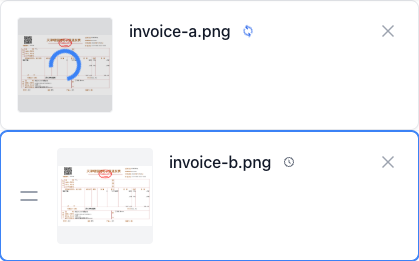
Run Image OCR locally in your browser. Files are not uploaded to any server during this step.
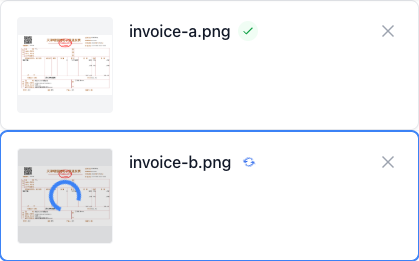
Copy extracted text to your clipboard with one click, or export results to TXT, Word, and more to streamline your workflow.
